500+
COPIES SOLD
A clean bend needs enough geometry to curve without kinking. Slice+Bend adds the even cuts first, then bends that topology along a generated curve — both halves of the job in one panel, non-destructive until you bake. Built for hard-surface modelers, product designers, and type artists who need bars, tubes, panels — or live text — curved into clean arcs and rings.
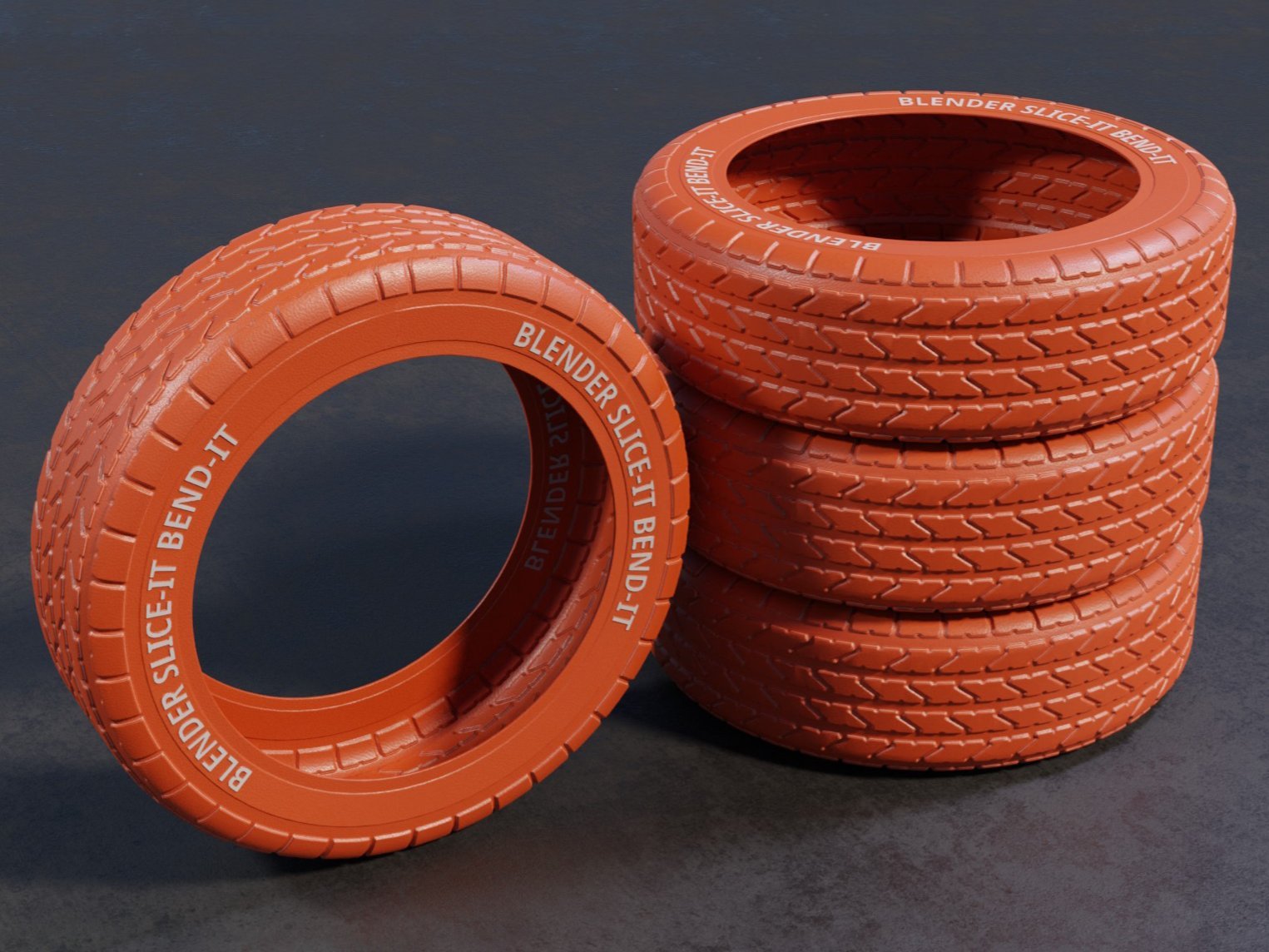 // slice-bend.bend
Most bends fail for one reason: too little geometry to deform smoothly. Slice+Bend fixes the cause before it bends the shape.

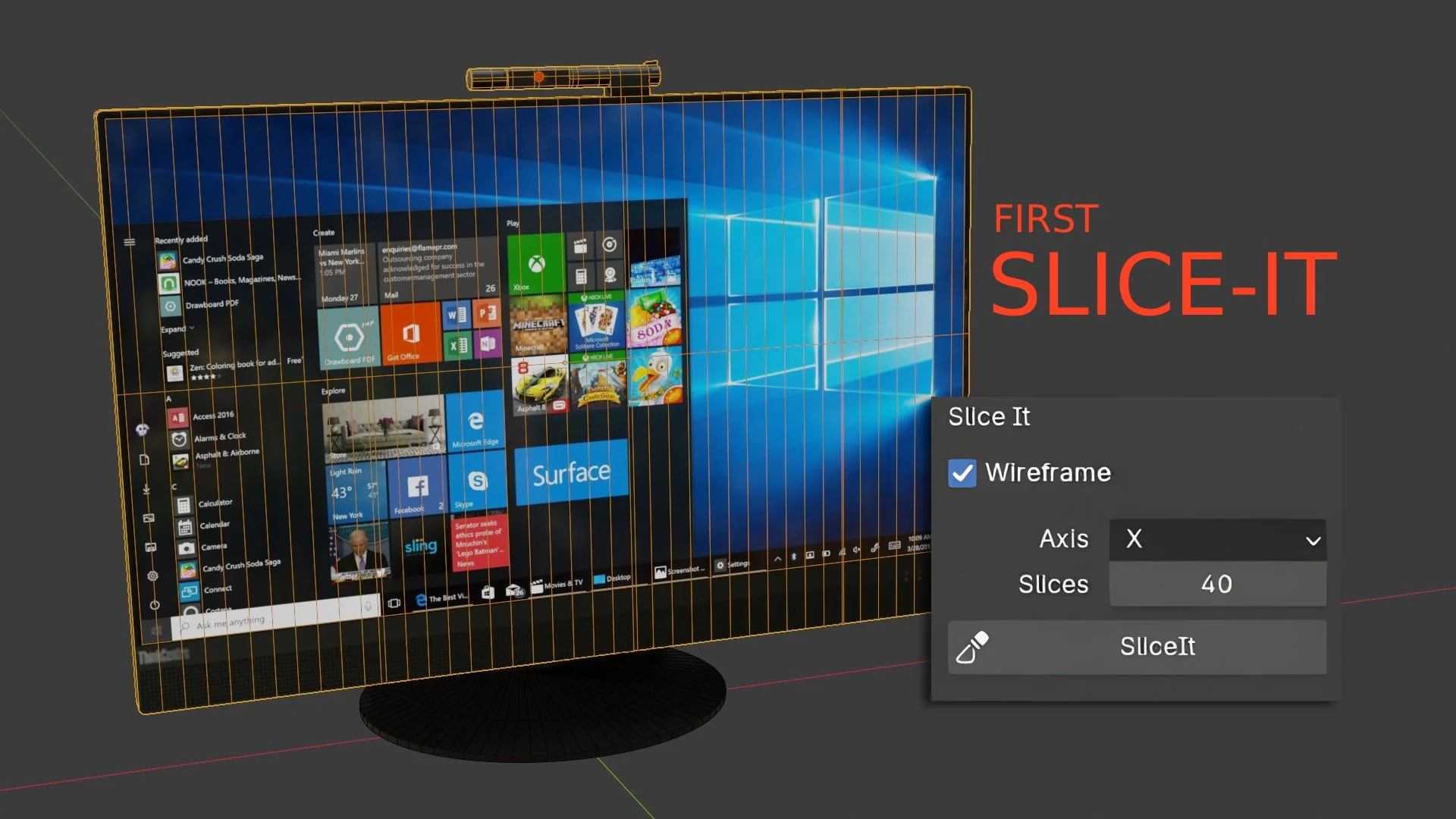
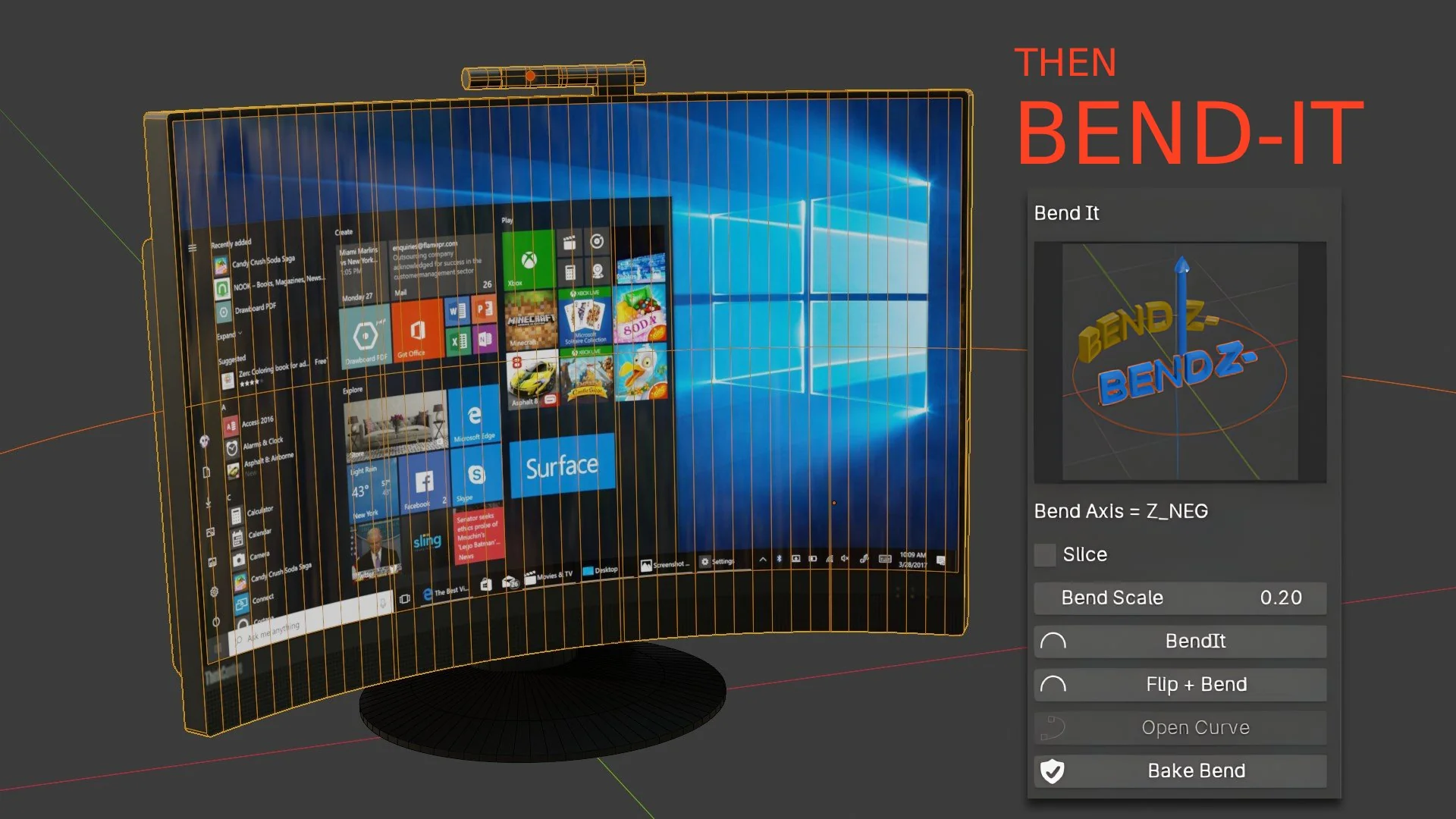
// slice+bend — watch it work
Slice+Bend is a Blender add-on that handles both halves of a clean bend from a single N-panel tab. First it slices — evenly-spaced bisecting cuts across your object on any axis you choose. Then it bends — wrapping that fresh topology along an auto-generated bezier-circle with a Curve modifier, direction and radius under your control.
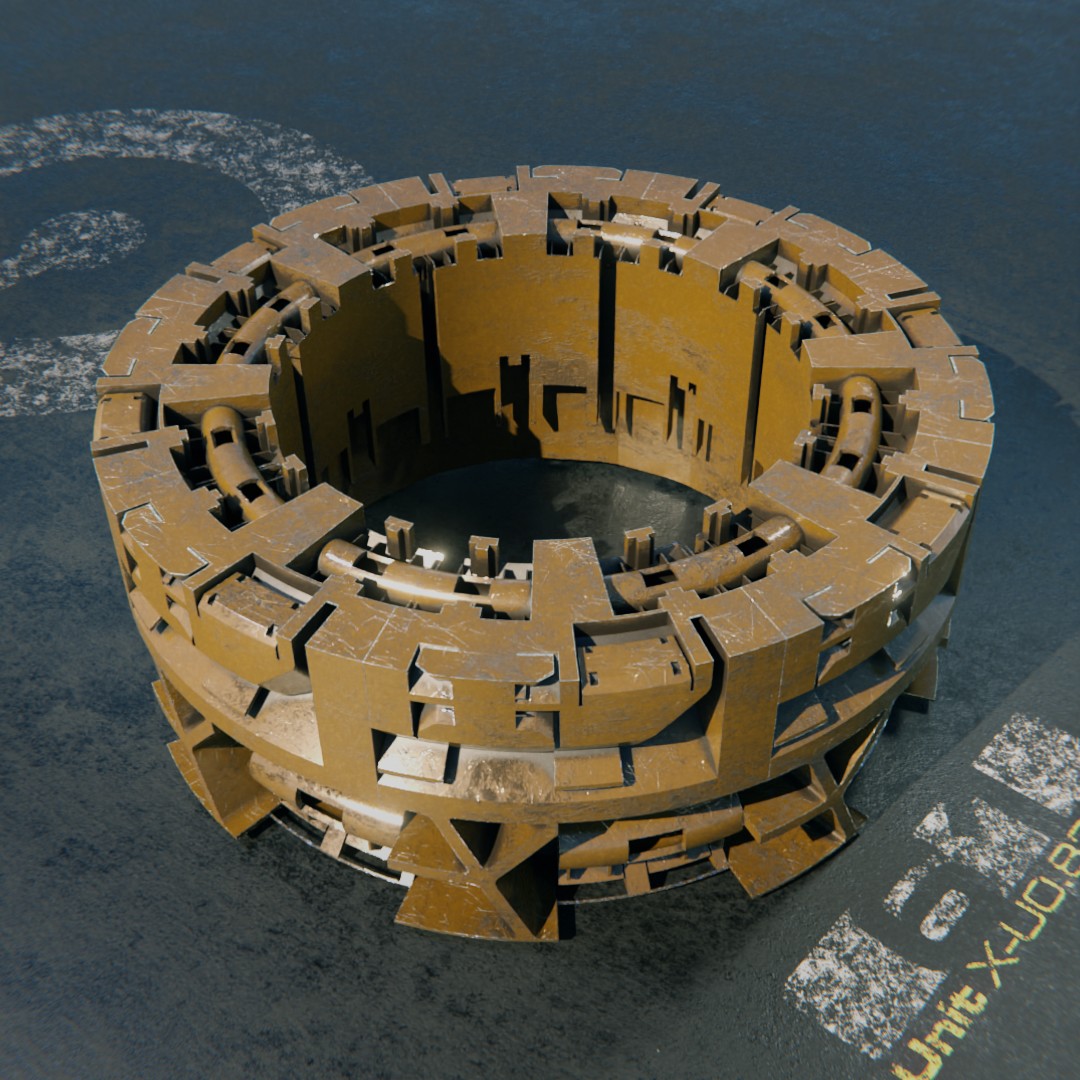 // slice-bend.origin
“We created SLICE-IT to make regularly spaced subdivided geometry on one, two, or three axes of a mesh — we use it a lot for displacement and remeshing. We found that a properly sliced object worked well when bending it. But with Blender there has always been the challenge of finding the correct axis to bend an object on, compounded by the lack of proper bend resolution. So we built BEND-IT — and now, for the first time, it's relatively simple to bend any object around a circular path or open spline in Blender.”
 // slice-bend.history
Slice+Bend launched in June 2023 as SLICE IT — just the slicing half. Multi-axis slicing arrived that September. The full BEND-IT half landed in April 2024, and the bonus SLICE Modifier followed in September 2025 — each one shipped to existing customers as a free update. What started as a slicing utility grew into the whole slice-then-bend workflow.
Four steps, one N-panel tab — and nothing commits until the last one.
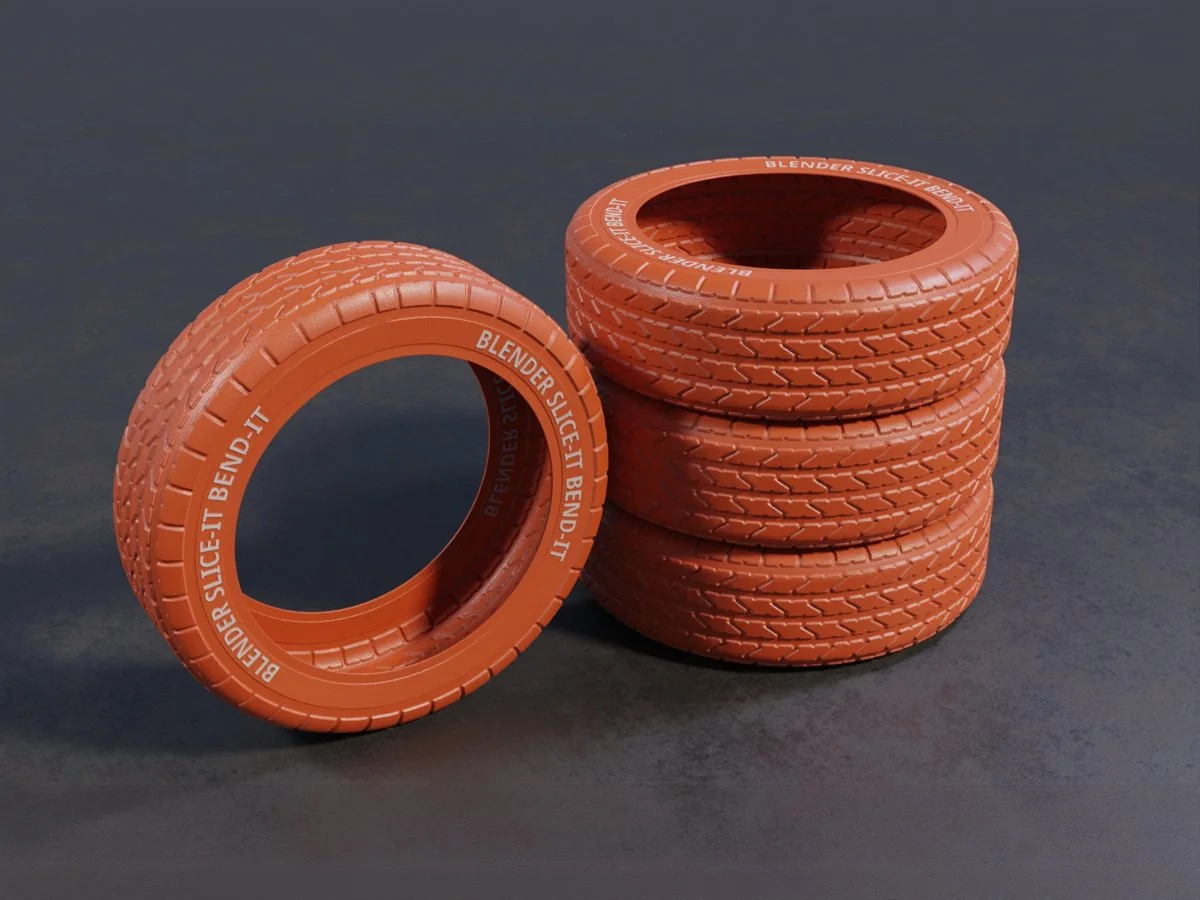 // slice-bend.slice
Select a mesh, pick a slice count and an axis mode, run Slice It. The add-on lays evenly-spaced bisecting cuts along one axis (X, Y, Z), a pair (XY, YZ, ZX), or all three.
 // slice-bend.bend
Run Bend It with a direction preset and a Bend Scale. It duplicates the object, generates a bezier-circle sized from the object's dimensions and your bend amount, and attaches a Curve modifier on the right deform axis — no manual curve setup.
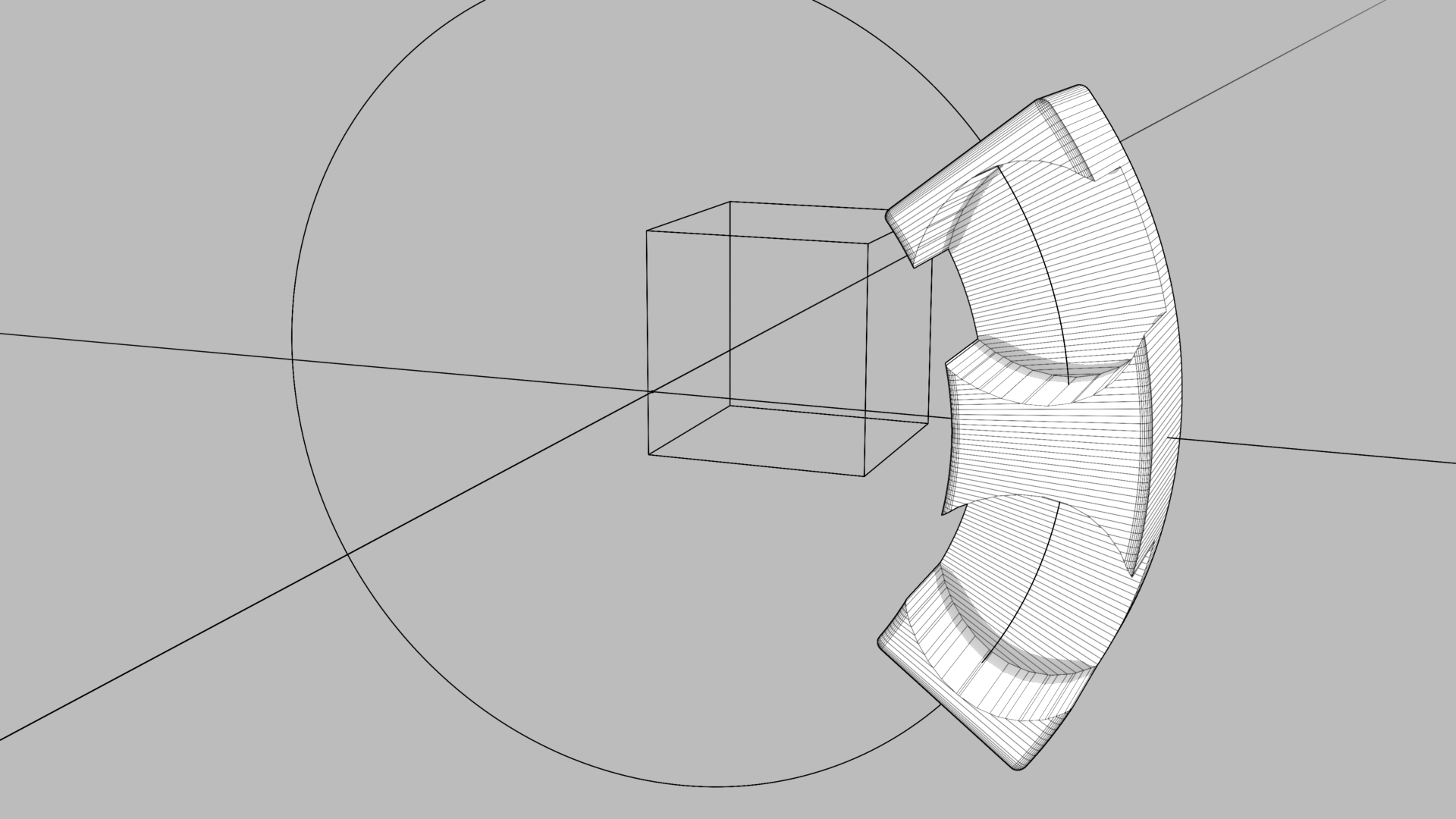 // slice-bend.adjust
Dial the shape live: six direction presets, Flip + Bend for the perpendicular, Open/Close Curve to switch between arc and ring. The original stays hidden and intact behind the live result.
 // slice-bend.bake
When it's right, Bake Bend applies the modifier and removes the helper curve, leaving clean final geometry.
Every control does one clear job — slicing evenly, bending cleanly, and keeping the result live until you commit.
Evenly-spaced bisecting cuts across an object on a single axis, a pair, or all three — smooth, non-faceted deformation instead of kinks.
In XYZ mode it slices the longest axis by your count and scales cut density on the other two by their size, so cuts stay even across an uneven shape.
Bend It generates the curve, sizes the radius from the object's dimensions and your bend amount, and attaches a Curve modifier on the right deform axis.
X-, X+, Y-, Y+, Z-, Z+ as a large icon picker, covering both bend directions on each plane; Bend Scale (0.1–1.0) sets how far around the circle the object wraps.
Flip re-bends on the perpendicular in one click; Open/Close toggles between an open arc and a closed ring and re-orients the object to match.
Turn on auto-slice and Bend It cuts as it bends, with a Resolution control for degrees-per-slice — skip the separate slice step entirely.
In Edit mode, Slice It cuts only the selected faces — even spacing exactly where you want it, nowhere else.
The live curve and hidden original stay put while you iterate; Bake applies the modifier and removes the helper curve. Works on FONT (text) objects too, so type curves without converting first.
Ships with a geometry-nodes modifier that adds even sliced loops on X, Y, or Z live in the modifier stack — reorder it or change the count anytime, nothing baked in. See the act below.
Slice+Bend ships with a second way to cut. The Slice Modifier is a geometry-nodes modifier that adds evenly-spaced sliced loops on X, Y, or Z without touching the mesh underneath. It sits in the stack like any other modifier — reorder it, change the count, switch the axis, turn it off. Nothing is committed until you apply it.
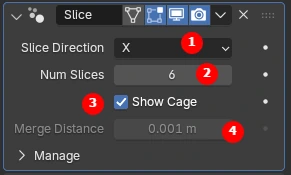
Add it to any object and it lays even loops on X, Y, or Z. Move it up or down the stack, change the slice count, or switch axis at any point — the mesh underneath never changes.
A heavy object can be slow to slice, so the modifier arrives in Show Cage mode. Set the count and direction against the cage, then let it draw the real result.
A merge step tidies the new geometry at the end of the operation, and you set the distance yourself — it matters when you work at 3D-print scale or in other units.
// the slice modifier — see it work
The manual route is add loop cuts, add a curve, add a Curve modifier, line up the deform axis, and hope the spacing holds. Slice+Bend does the whole job in two clicks — and it earns its keep exactly when Blender's Loop Cut won't cooperate: text, booleaned parts, ngon-heavy meshes, anything without tidy edge loops.
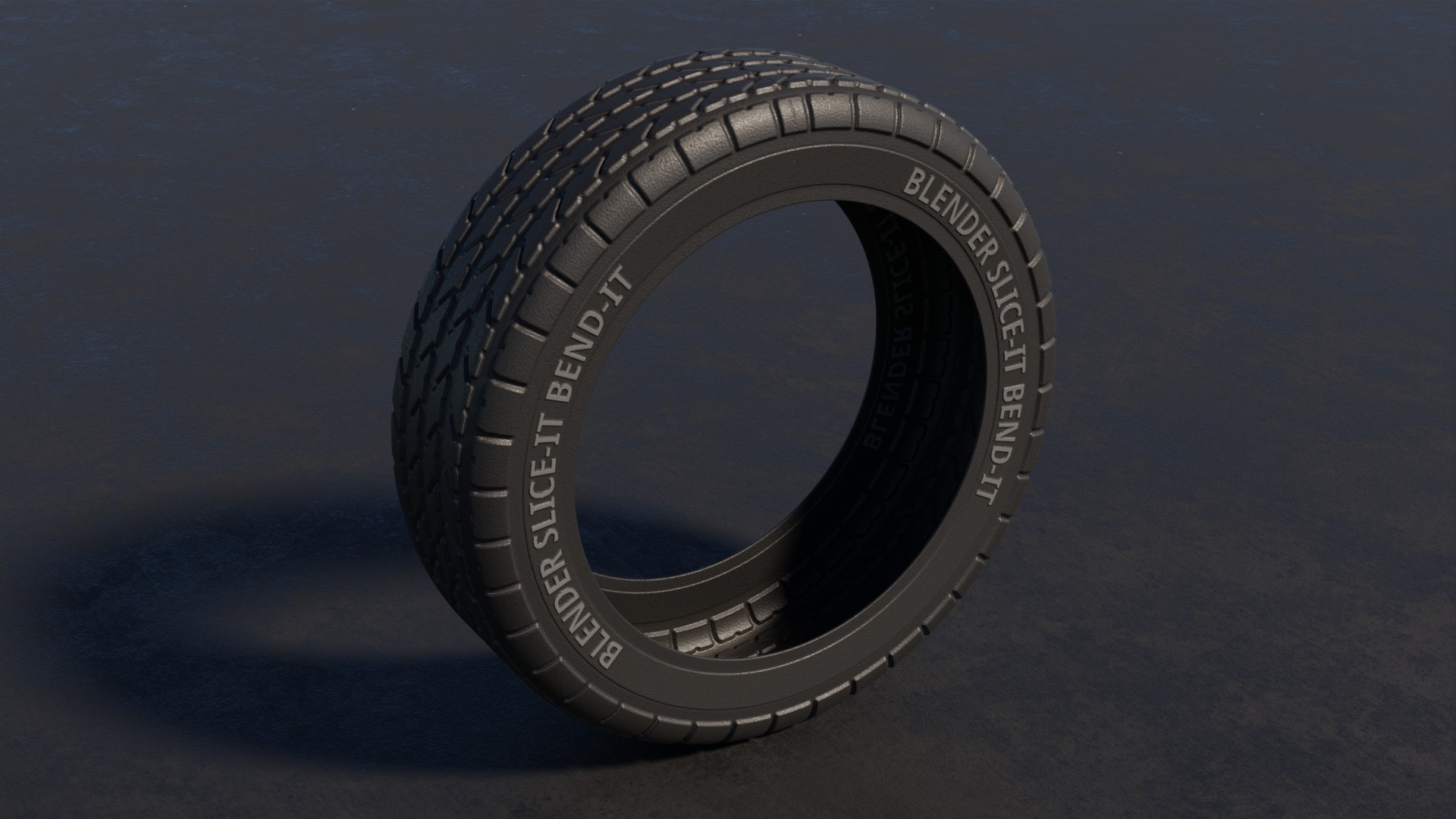

“This helps a lot when Mr. Loop Cut refuses to help.”
“This is a very useful set of tools! Easy to use and fast to get started. I've been enjoying the new Bend-It functionality, particularly the ability to create a UV Sphere from a flat plane. Cool stuff, thank you.”
“I see Chipp Walters, I click BUY. Thanks for all the great tools over the years!”
“really good! Very useful!”
“Nice!”
5.0 out of 5 — every rating five stars.
You can — when Loop Cut cooperates. It needs the right topology; text, booleaned parts, and ngon-heavy meshes refuse it. Slice+Bend bisects any geometry evenly and wires the whole bend — curve, modifier, deform axis, origin — in one click.
Yes. The Bend operators accept FONT objects, so type curves along an arc or ring without converting to mesh first.
Blender 3.5.1 and later; verified through Blender 5.2+.
A bonus geometry-nodes modifier included with the add-on. It adds evenly-spaced sliced loops on X, Y, or Z live in the modifier stack — fully non-destructive, its own docs included.
No. Bake Bend applies the Curve modifier and deletes the helper curve — the result is plain Blender geometry that opens anywhere.
Yes — four releases in its first three years: multi-axis slicing (2023), the full BEND-IT half (2024), and the SLICE Modifier (2025), each shipped to existing customers as a free update.
Slice+Bend is backed by the same support behind KIT OPS: an active Discord where a human answers, and a product whose release history runs back to 2023.
Clean, even bends of bars, panels, tubes, and type — without the manual loop-cut-then-curve-modifier dance.