2,000+
SOLD
Simple Sketch Pro turns the scene you already have — your models, your lights, your materials — into clean, stylized line-art renders. Pick one of six presets: Black & White, Clay, Blueprint, Lines Only, Sketch Style, or Comic. Dial in the look, then save it as a style of your own and reuse it in every file. Built for technical illustrators, comic and graphic-novel artists, product and hard-surface designers, and archviz artists — anyone who wants the drawing without the wiring.
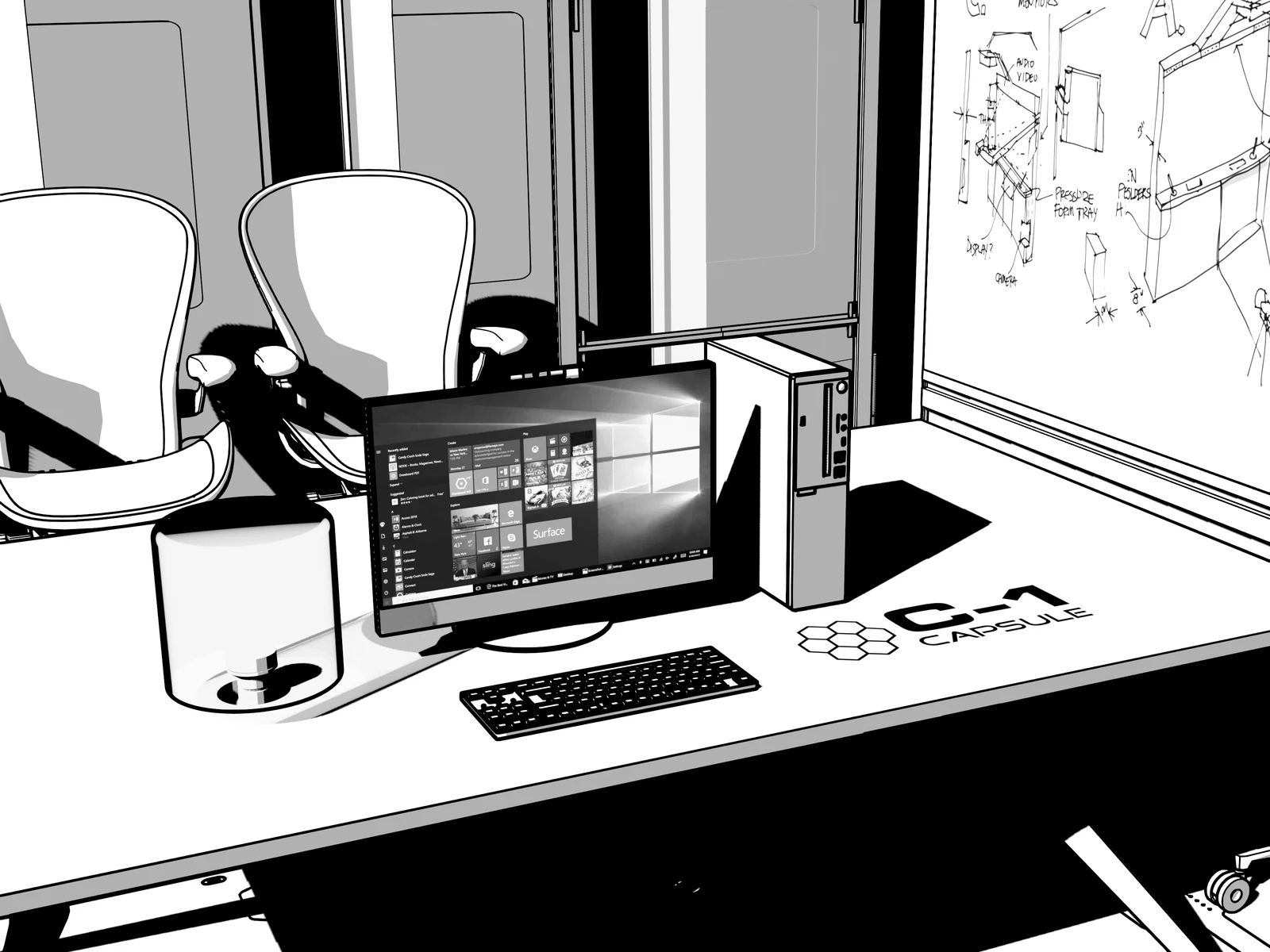 // simple-sketch-pro.office-lineart
Blender already draws line art — Simple Sketch Pro is the difference between wiring it up for an hour and picking a look in one click.
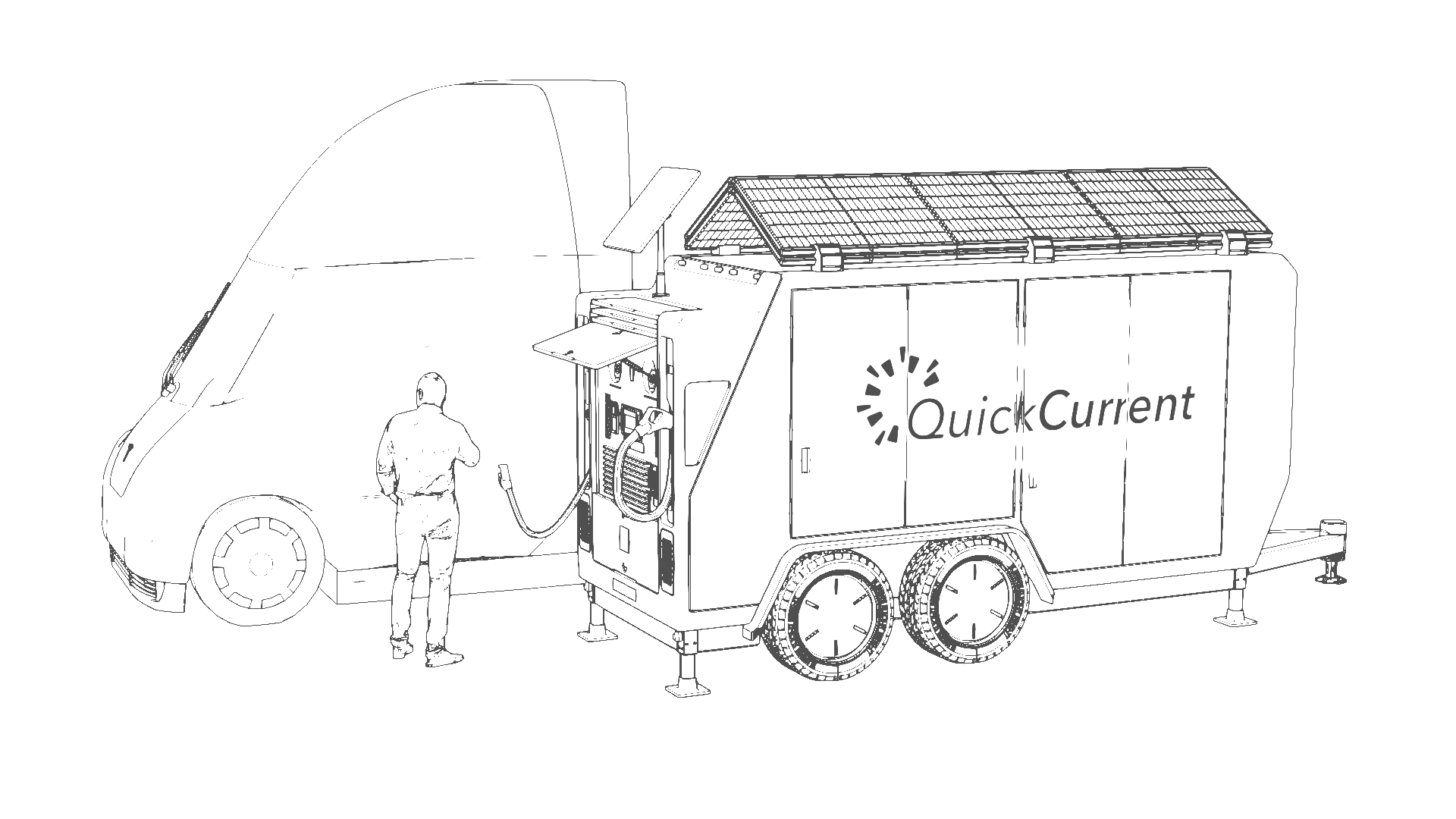
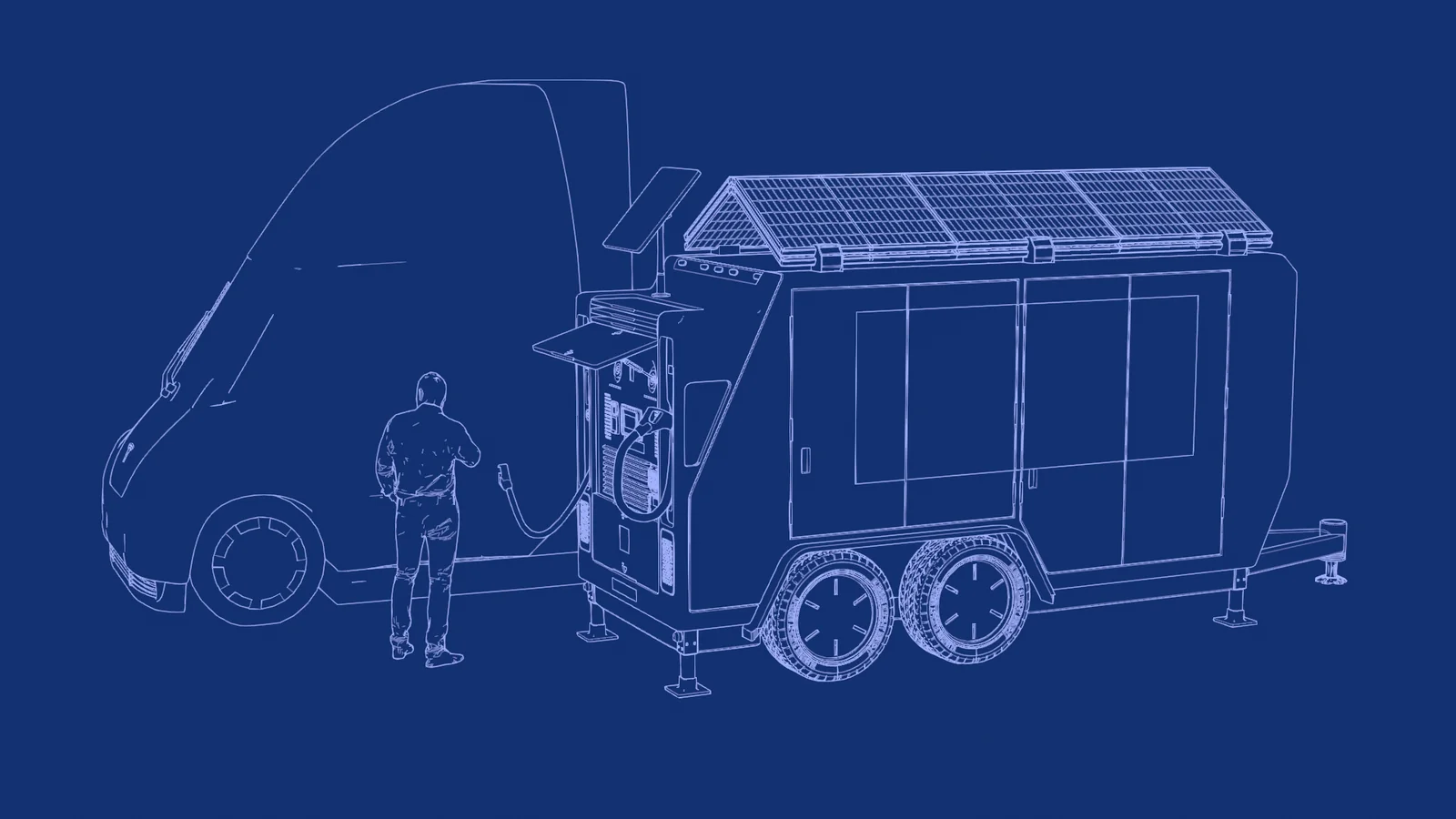
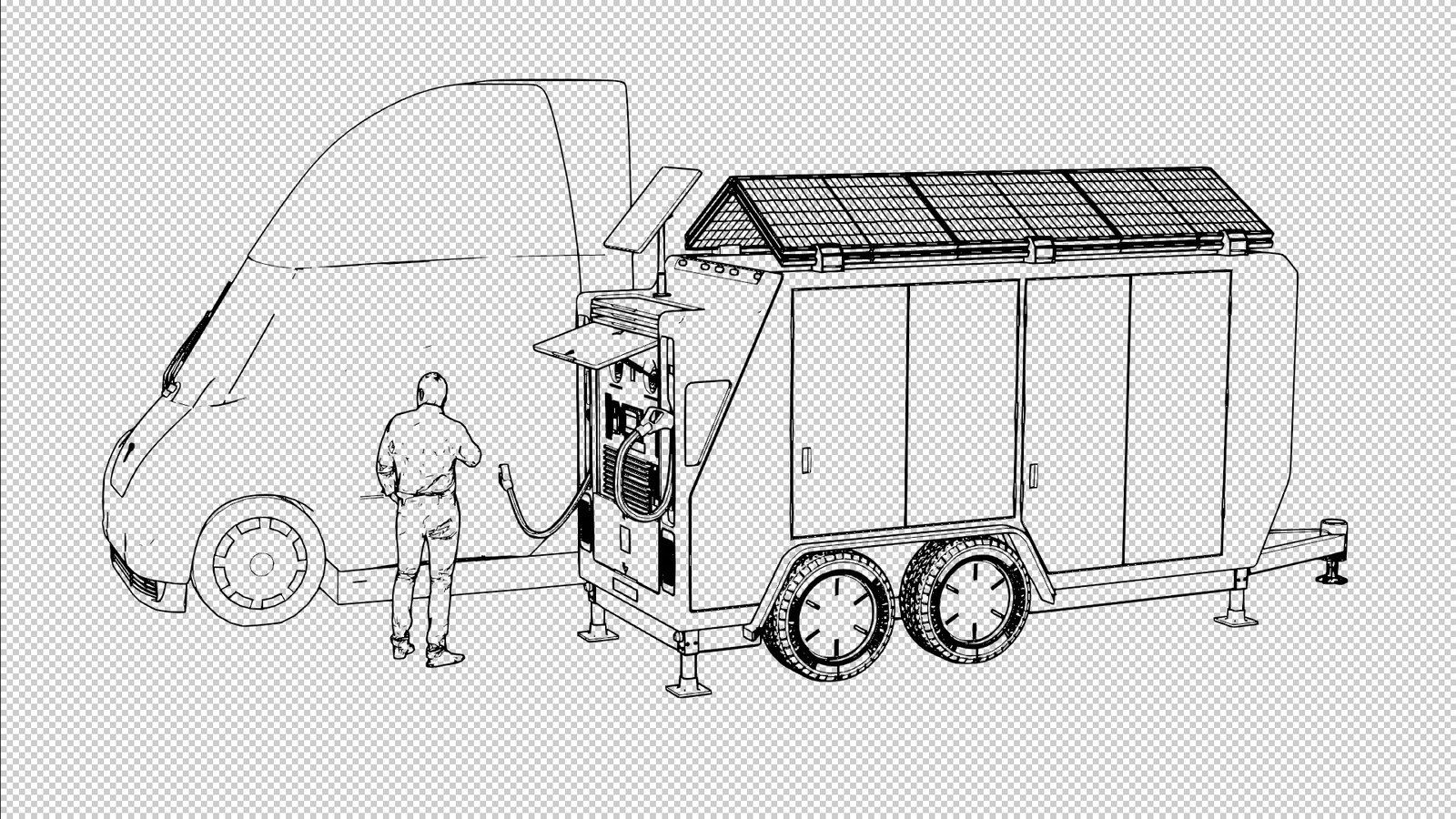
The same model — a QuickCurrent solar charging rig — rendered through all six built-in presets. Pick one and SSP sets the materials, world, line art, and color management in a single click.

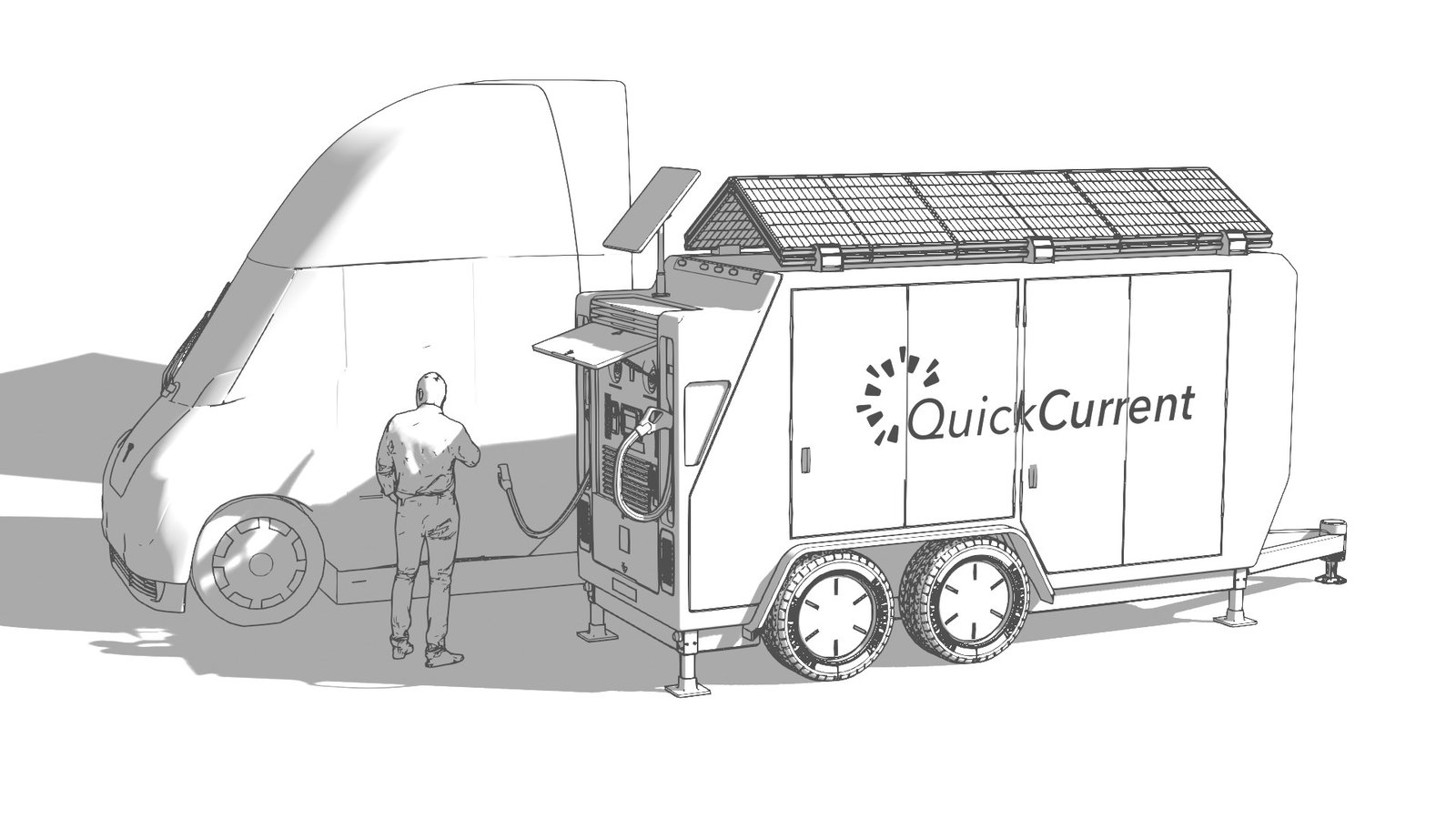
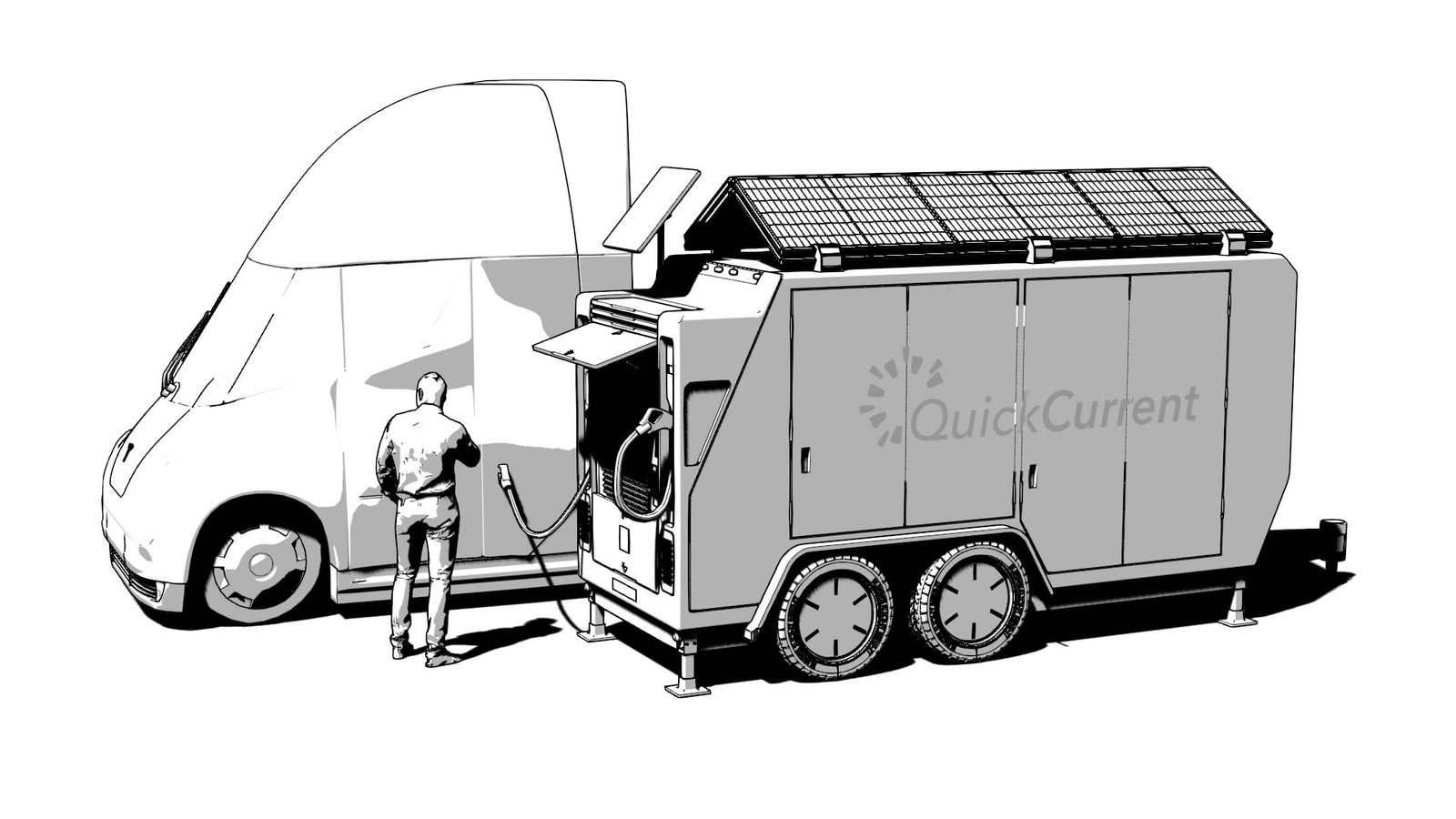
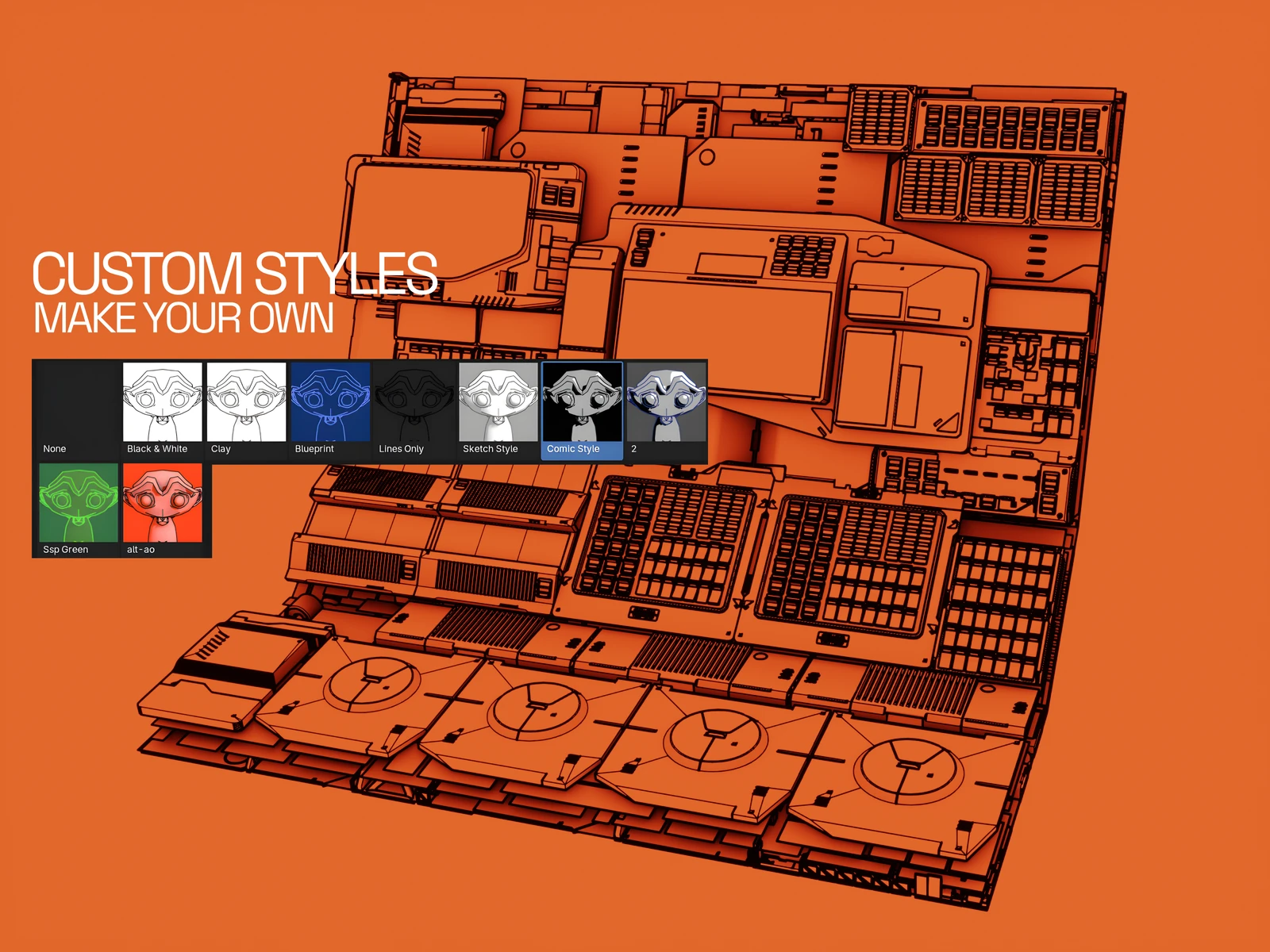 // the styles picker — make your own
New in 1.3.0: the six presets are just the start. Turn any setup into a named custom style — material, world, line color and weights, crease angle, sun, and background, captured in one click with its own auto-rendered thumbnail. Your styles sit in the picker right beside the built-ins, in every file you open. Because they live in a folder you control (default Documents/Simple Sketch Pro/) — outside the add-on — updating SSP never touches them.
// simple sketch pro overview
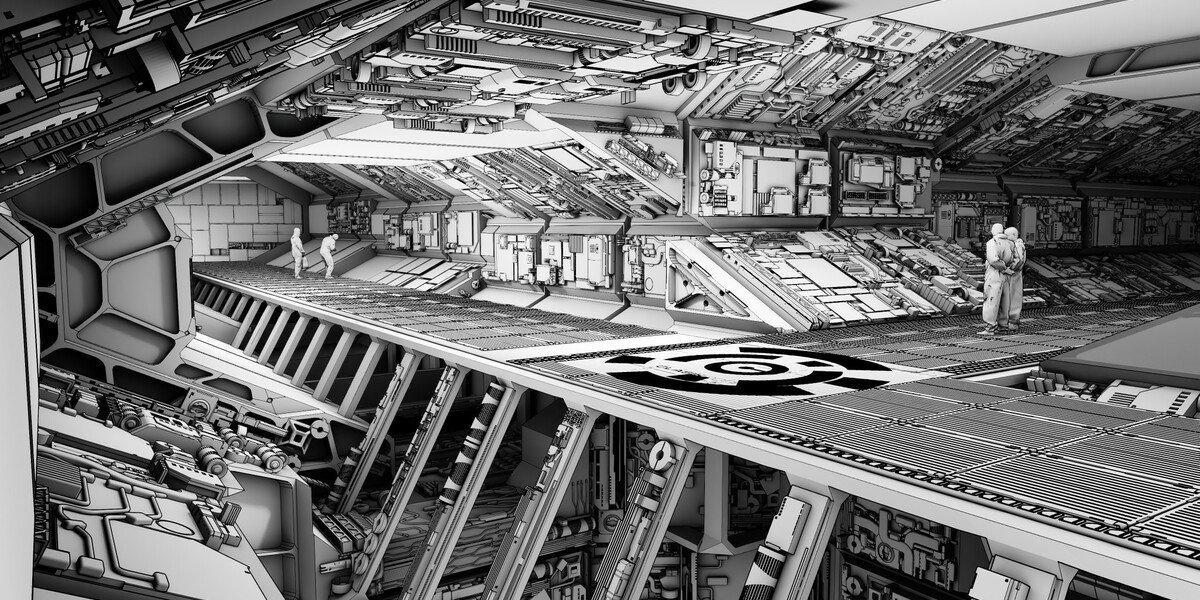
Simple Sketch Pro is a Blender extension that renders stylized line-art and illustrative looks from the scene you already have. No tracing, no export, no second app — your geometry, your lights, your materials, previewed live in the viewport. Behind each preset sits everything you'd otherwise build by hand, wired from a single click in one tidy sidebar tab.
And it treats your scene as yours — SSP overlays your existing file and tears down cleanly on Reset.
 // simple-sketch-pro.origin
Simple Sketch Pro is the third act of a look this studio has owned since 2019. Sketch Style gave Blender artists SketchUp-style renders until Blender retired the Freestyle renderer underneath it. The free Simple Sketch beta rebuilt the idea on Line Art — 43,000 people watched that video — until Blender's Grease Pencil rewrite broke it too. Simple Sketch Pro combined the best of both legacy products: rebuilt from scratch for the Extensions era, tested in a public beta, and now carrying the line forward with a custom-styles library neither ancestor had. That history is the buyer's guarantee — twice the ground shifted under this product line; twice it was rebuilt rather than abandoned.
Drag the .zip onto Blender's viewport. The ♥SSP tab appears in the sidebar.
Blender's Line Art only draws correctly from the camera — SSP gives you a one-click toggle and says so up front.
Choose a preset (or one of your own styles) from the thumbnail picker. SSP sets the materials, world, line art, and color management in one click.
Line color, thick and thin line weights, crease angle, background, sun direction, engine. Per-object toggles keep glass, decals, and booleans reading right.
One button (or F12). Use Lines Only with a transparent background for line work you can drop straight into a comp.
One click turns the current setup into a named style with its own thumbnail, sitting in the picker beside the built-ins — in every file you open.
Black & White, Clay, Blueprint, Lines Only, Sketch Style, and Comic — each sets materials, world, line art, and color management in a single click.
Save the current look — material, world, line color, thickness, crease, sun, background — as a named style with an auto-rendered thumbnail. Update, rename, duplicate, or delete it. It's a library you build, not a fixed preset list.
Your library lives in a folder you control (default Documents/Simple Sketch Pro/), outside the add-on — updating SSP never touches it. Sync the folder through Dropbox or OneDrive and your styles follow you across machines.
Export any style to a single file; import it on another machine or hand it to a teammate. A house style becomes a file you can send.
Separate silhouette and crease lines, each with its own weight and its own viewport/render visibility, plus a crease-angle slider to add or drop interior lines.
Every line renders at a fixed on-screen width, set in pixels (1–200), no matter how far the object sits from the camera. Built on Geometry Nodes; the panel warns you if no scene camera is set.
Show an object in its own material inside any preset (glass, decals), and include or exclude any object from line art — one button each.
SSP overlays your existing scene and restores it on Reset, removing only SSP-created objects, materials, worlds, and settings. No global purge, ever.
Toggle engines from the panel: fast previews or final-quality renders from the same setup. A documented large-scene workflow keeps line art responsive on heavy production files.
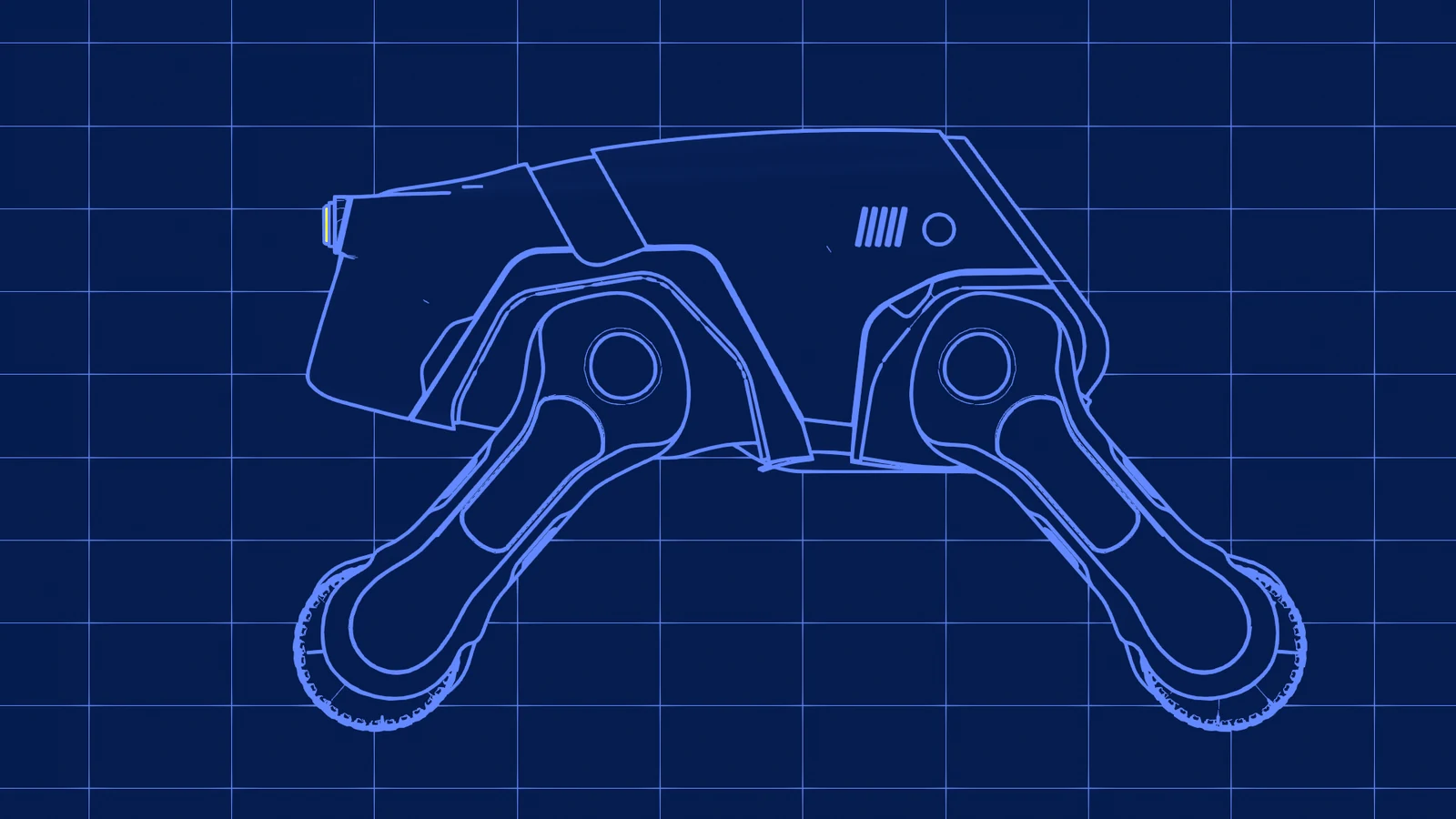
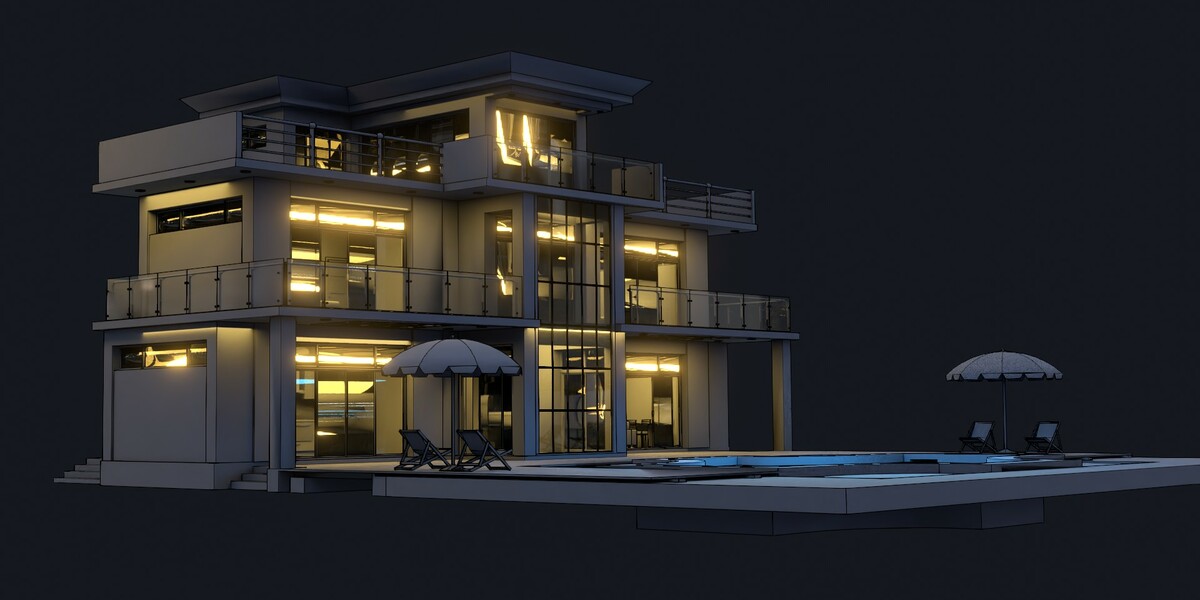
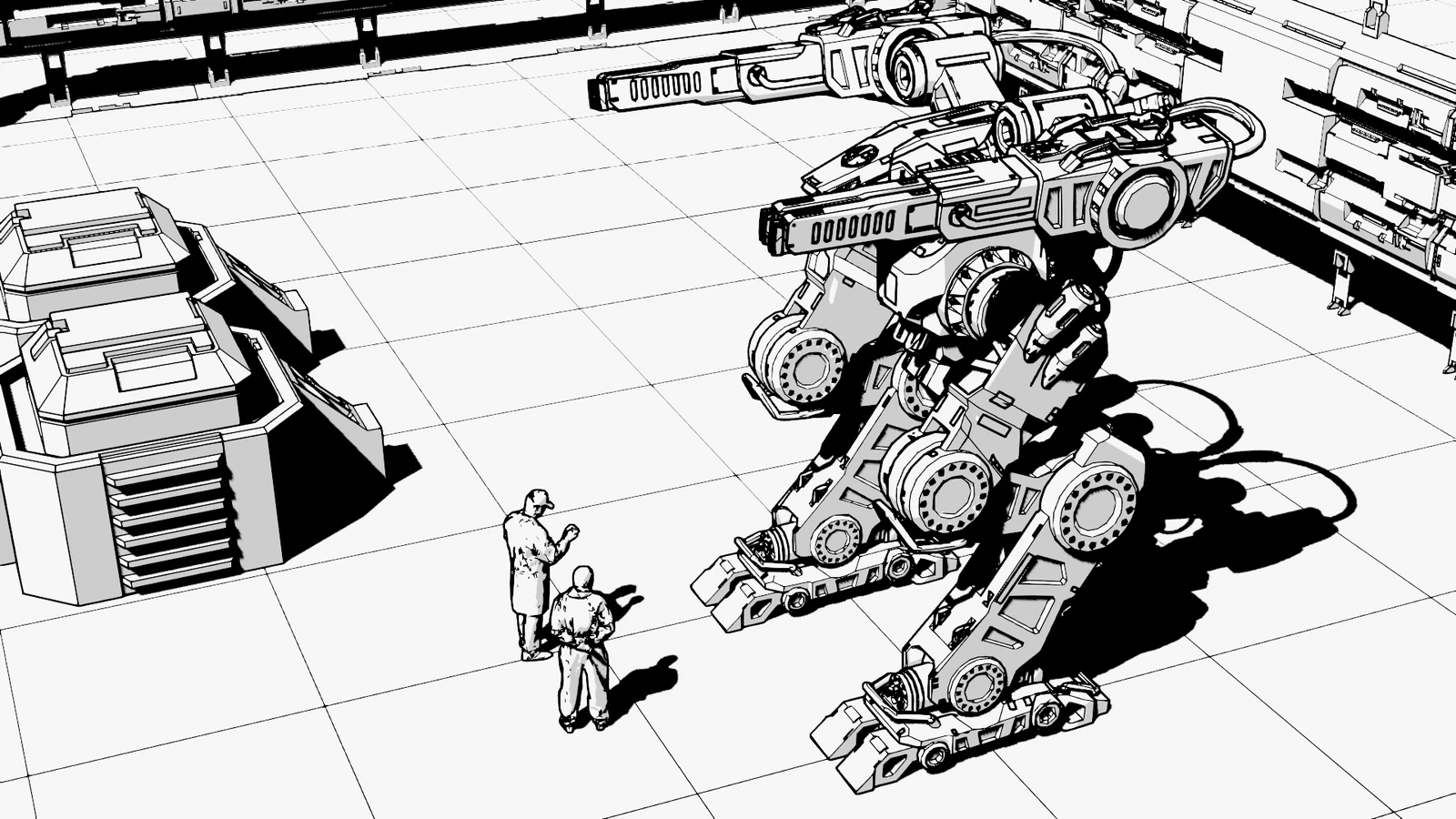
Building one of these looks manually means stacking Grease Pencil Line Art modifiers, override materials, a world setup, and color-management changes — then doing it again for the next project. Simple Sketch Pro:
If you used Sketch Style or the free Simple Sketch: those add-ons stopped working when Blender retired Freestyle and rewrote Grease Pencil. Simple Sketch Pro is their maintained successor — the best of both, rebuilt for current Blender, with the styles library neither had. Owners of the originals report their old files render better through SSP than they did in the originals.
“We've been working in the film industry with Blender for many years… Not only is it incredibly simple to use, but the results are fantastic. It's especially valuable for creating quick presentations and concept previews… We spent hours revisiting scenes from our latest film, and every result felt fresh and inspiring.”
“I work in the movie industry making playback graphics and graphic design. This addon was a massive time saver and immediately great results… the line with no BG in particular helps comping blends between renders and line art.”
“So easy to use. No fuss, no muss. You have access to presets that make your workflow a breeze. You get stunning results in an instant.”
“It really only takes a few simple clicks to have your line sketch render ready to go. I love the presets options… my favorite is Blueprint. In a short period of time Simple Sketch Pro has become one of my favorite and most useful tools in my workflow.”
“One of the most important factors on whether I buy an addon is the quality of support from the addon creator. Chipp Walters is second to none.”
Yes. Blender's Line Art only draws correctly from the camera — it's a Blender rule, not an SSP one. The panel has a one-click Toggle Camera View button, and the manual says it before anything else.
No — Comic is EEVEE-only. The other five presets render in both EEVEE and Cycles.
No. Styles live in a folder you control, outside the add-on. Updates never touch it, and Reset never touches it either.
Yes — export it as a .sspstyle file and they import it. Or point both machines at a synced folder (Dropbox, OneDrive) and share the whole library.
Only what SSP created: its objects, collections, materials, worlds, and settings. It no longer runs a global purge, so your own unused materials and node groups are left alone.
Simple Sketch Pro ships as a Blender Extension for Blender 5.0 and newer, and works through the latest Blender 5.x release.
Yes — SSP is the maintained successor to both, rebuilt after Blender's Freestyle retirement and Grease Pencil rewrite broke the originals. Your eye for the look carries straight over.
Buy it, download one .zip, drag the file onto Blender's viewport. That's the install. The ♥SSP tab appears in your sidebar and the first preset is one click away.
Buy Simple Sketch Pro once and it's yours forever — it keeps working for as long as you use Blender. Your purchase includes a full year of free updates and support. After that year, an optional 25% renewal buys another year of the latest updates and support; skip it and you simply keep the version you have.
Simple Sketch Pro isn't a fire-and-forget download — it's backed by the same support that's stood behind KIT OPS since 2019: an active Discord where a human answers, and a public changelog behind every release.
Comic, blueprint, technical, clay, or sketched renders straight from Blender — without becoming a Line Art expert. Own the original Simple Sketch Pro from Gumroad? Your renewal link is on its download page in your Gumroad library.