The Meeting
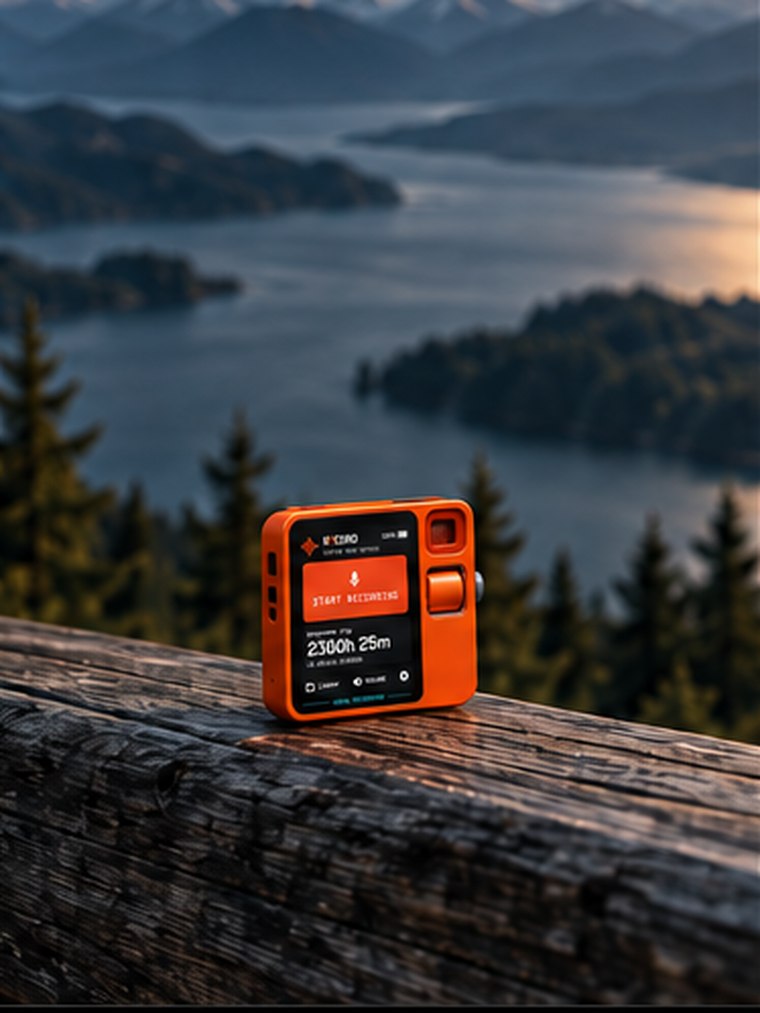
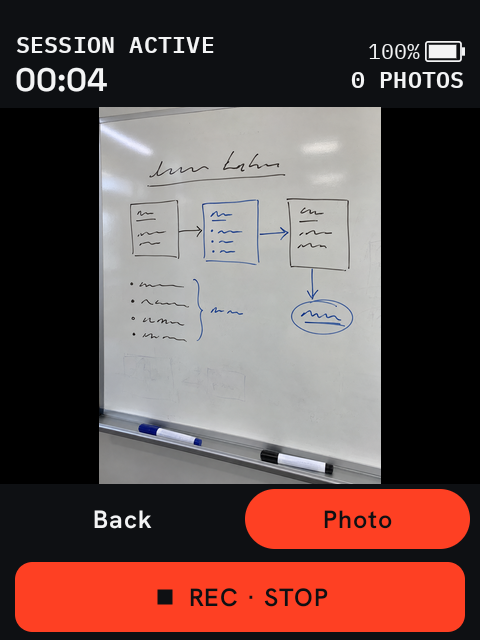
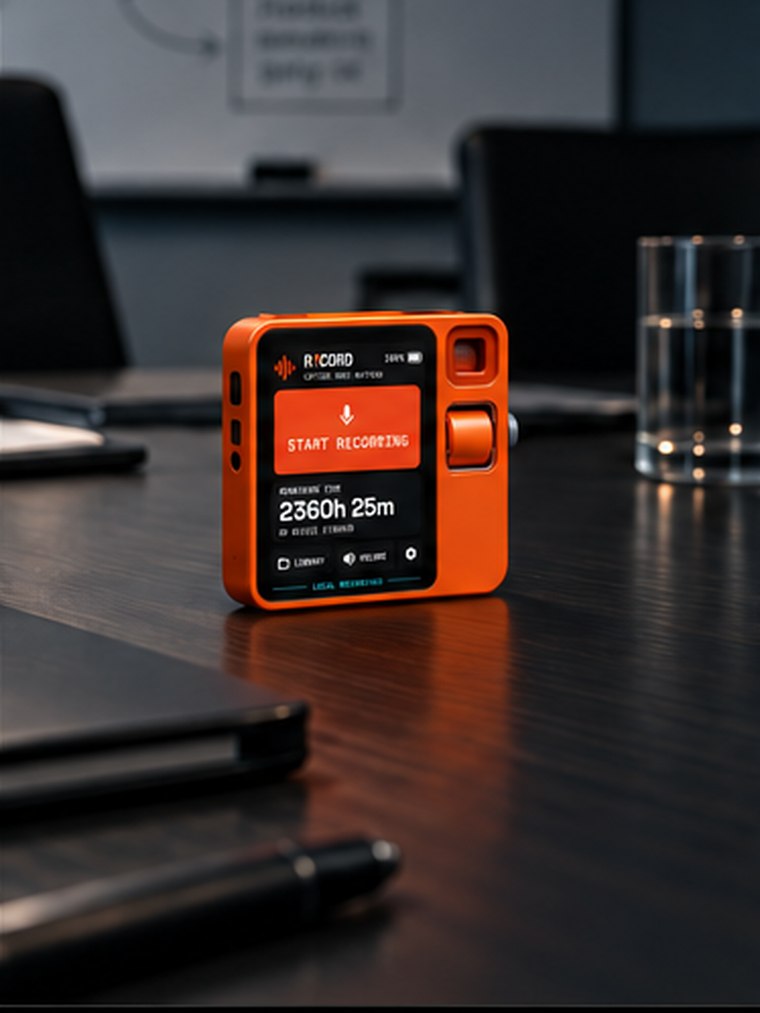
Put R1CORD on the conference table and capture the discussion. Photograph the whiteboard, diagrams, prototypes or documents without stopping the recording. Each photo stays tied to the moment in the conversation when you took it.
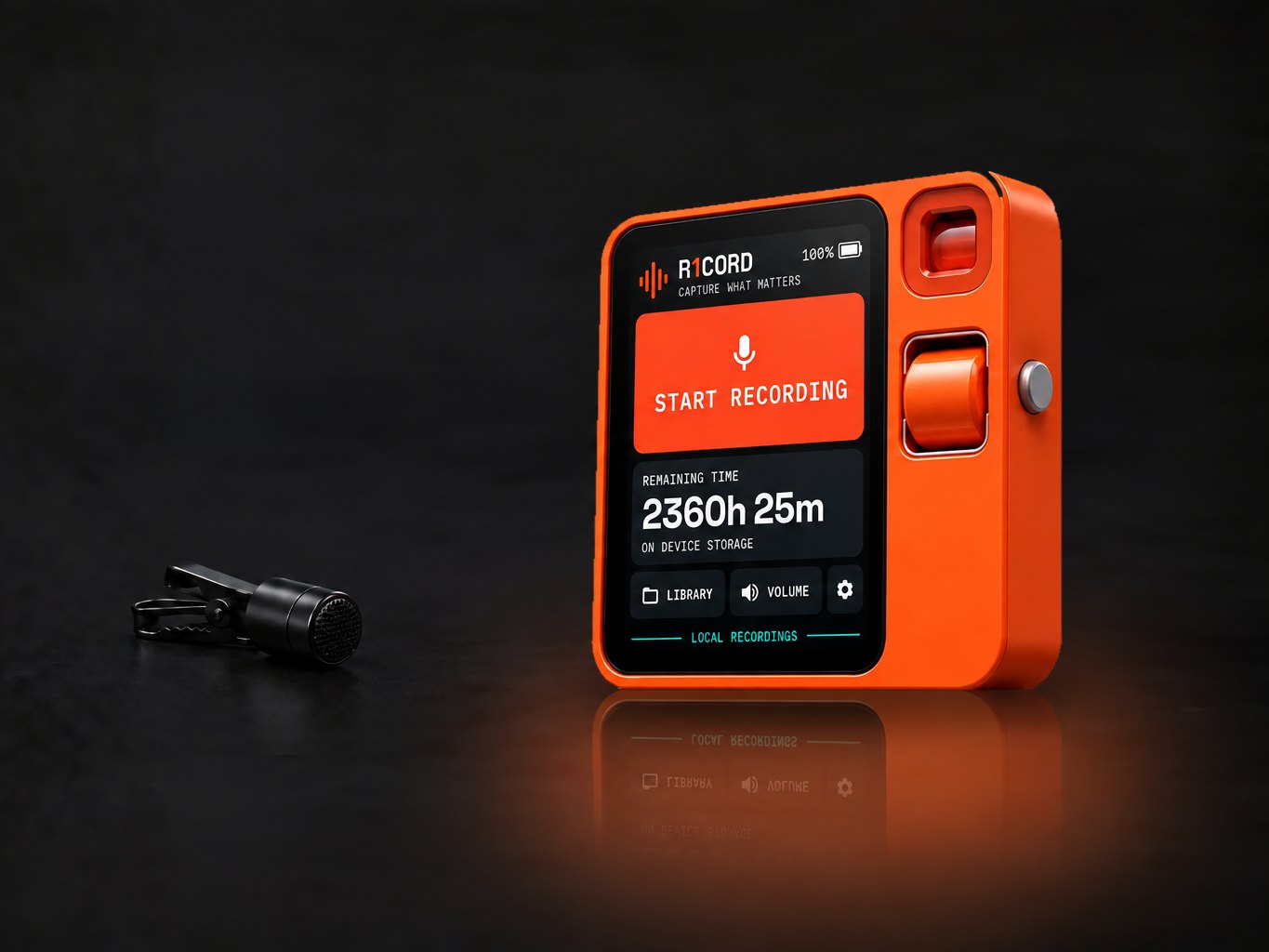
R1CORD turns the Rabbit R1 sitting in your drawer into a serious, dedicated audio recorder — offline, private, and ready the moment the device turns on. Record meetings, conversations, ideas and experiences with nothing in the loop but the device in your hand. Play them back immediately. Capture timestamped photos while you record. Then transcribe, summarize, synthesize and publish when you decide.
R1CORD runs on Android — not stock rabbitOS. Already converted? You're ready. Still on rabbitOS? Follow our complete conversion guide →
// r1cord.home
The R1 is a good little box with a microphone, a screen, a camera and a battery — and almost nothing to do. R1CORD replaces its home experience with a dedicated recorder, so the device you already own becomes the one piece of hardware that is always ready to capture the thing you will want later.
R1CORD isn't a rabbitOS app. It's a new purpose for the Rabbit hardware. Running on Android is what lets it take over the whole device as its home app, instead of living as a guest inside someone else's OS.
// r1cord.local-only
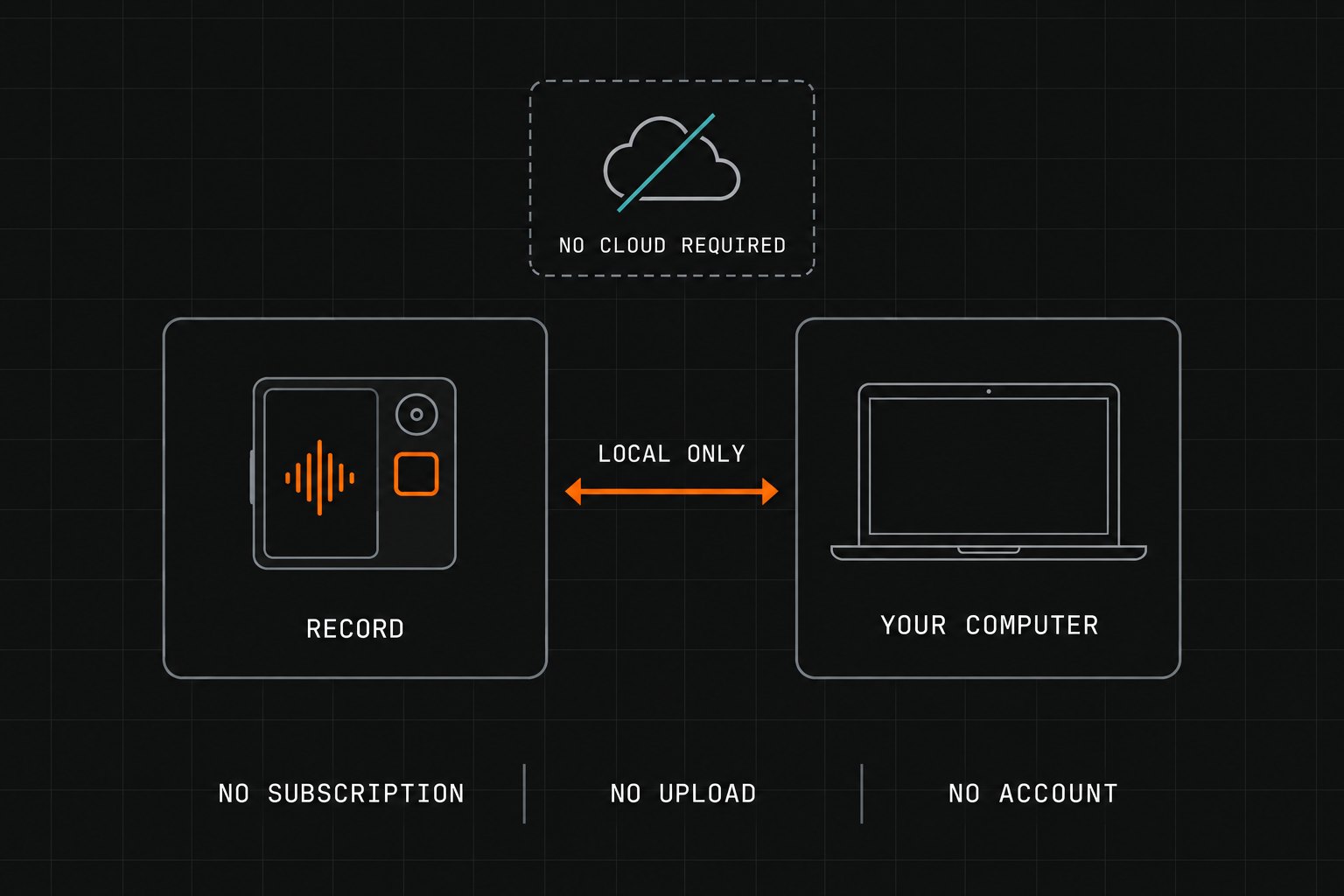
Connecting to the internet does not mean consenting to an upload. Your recordings start and stay local: audio, photos, transcripts and the documents you build from them can live entirely on hardware you control. The cloud is an option, not a dependency.
Connecting isn’t consent.
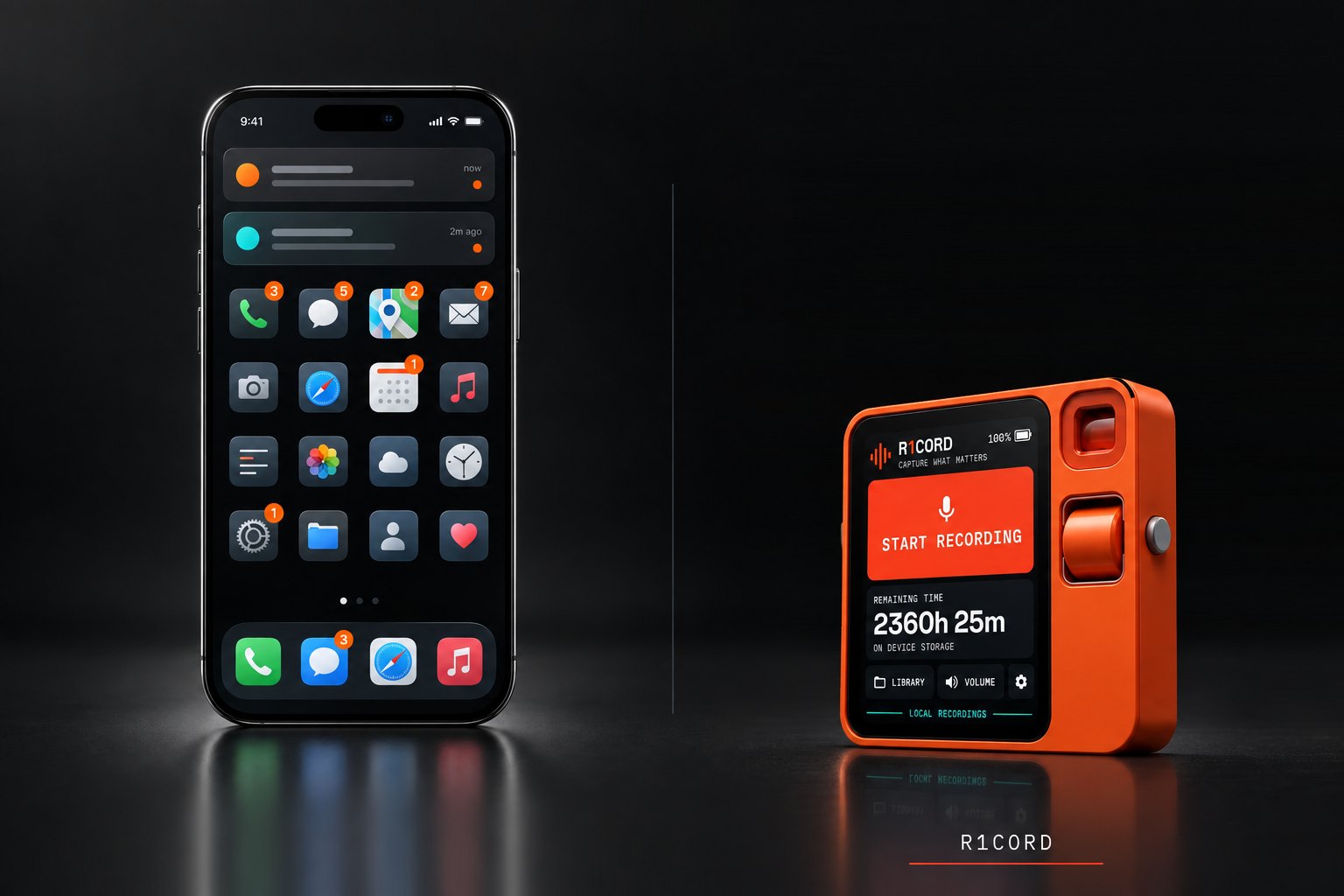
Give the recording job to R1CORD, then keep your phone available for everything else.
Of course your smartphone can record audio. It is also handling your calls, messages, maps, email, photos, browsing, notifications, authentication and everything else you do all day. A long meeting or conversation should not have to compete for the same device.
R1CORD turns an underused Rabbit R1 into a single-purpose recorder. Turn it on, start recording, put it down, and keep using your phone normally.
// one device, one job
The phone is the machine everything else on your day already has a claim on. The recorder should be the machine nothing else has a claim on.
Your phone stays your phone.
R1CORD is ready the moment the Rabbit turns on. You do not launch a recorder; you are already there.
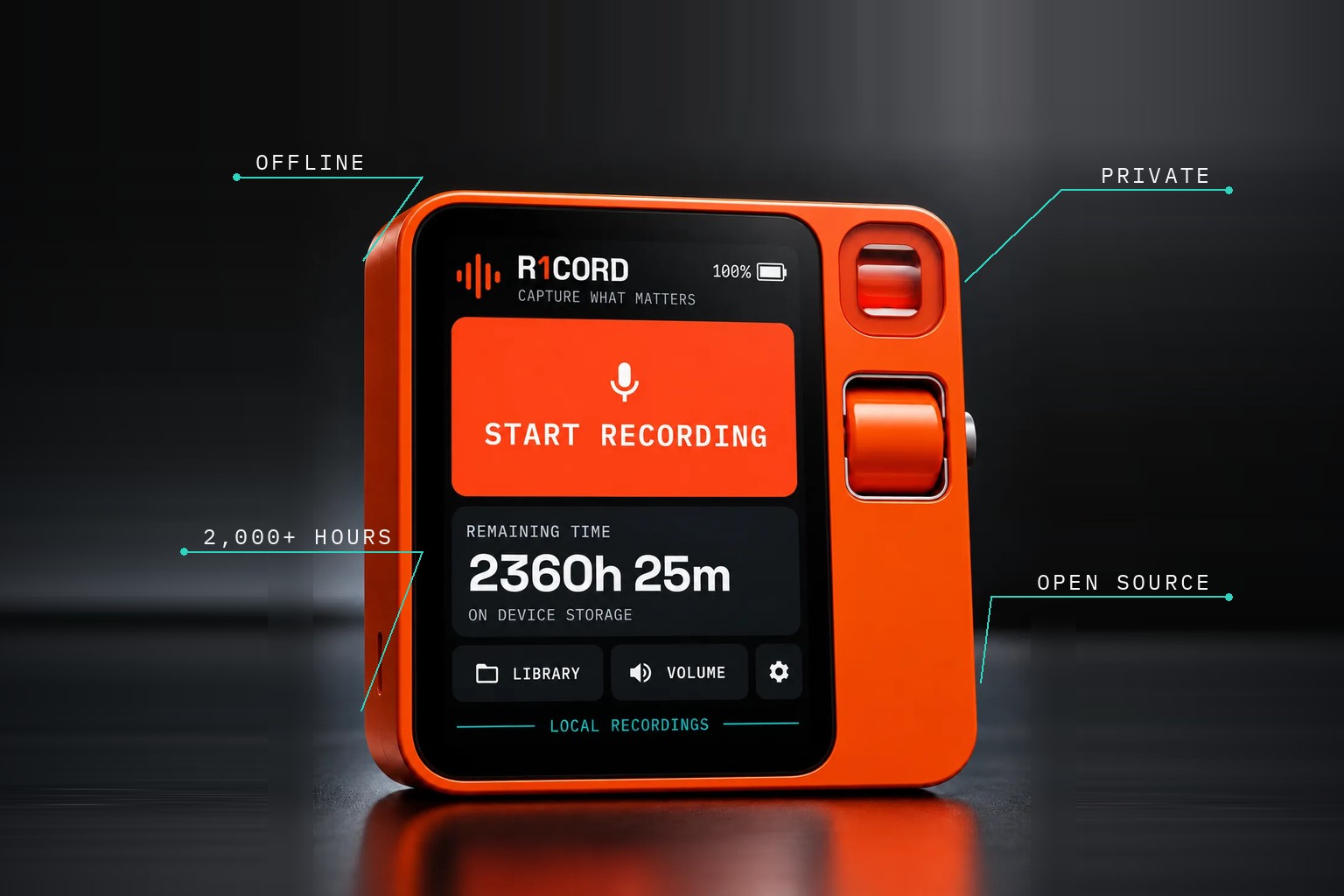
R1CORD is the R1's home app. Power on, press Start Recording — no menus, no app drawer, no unlock ritual between you and the take.
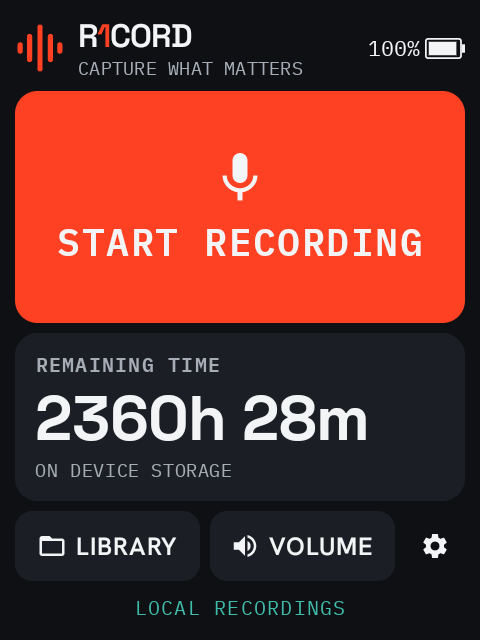
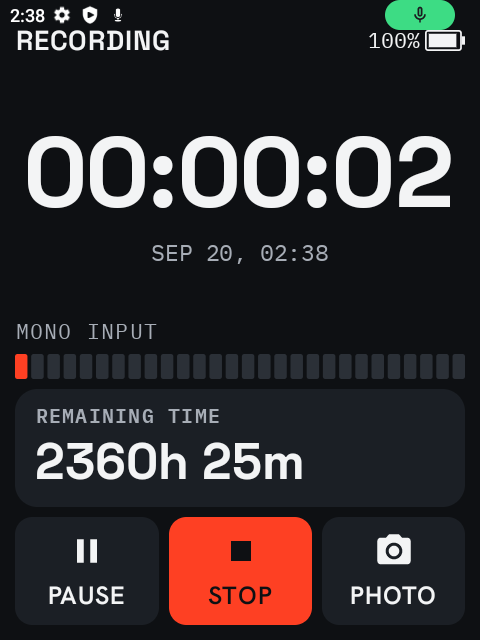
Record, pause, resume, stop. Elapsed time excludes pauses, and remaining time is an honest estimate of storage at your chosen format.
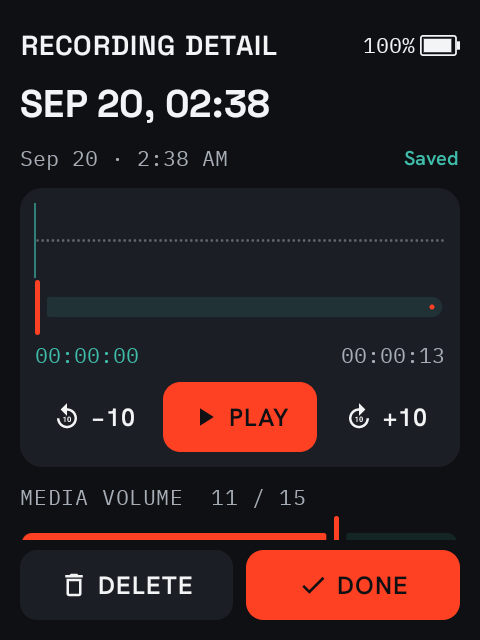
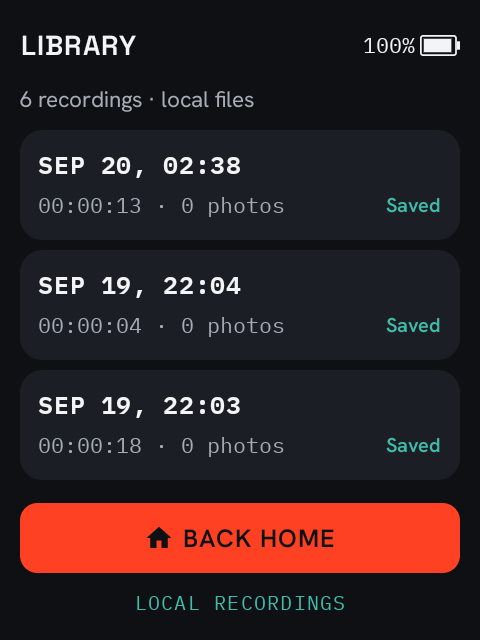
Every recording lands in the Library. Detail gives you play/pause, a seek slider and 10-second skips — and you can scrub before the first play.
AAC by default at roughly 40 MB an hour — small enough that capacity stops being a question. Flip one switch for uncompressed 48 kHz mono PCM16 WAV when the take is worth the disk: no encoder in the path, nothing thrown away, an archive master rather than a copy of one.
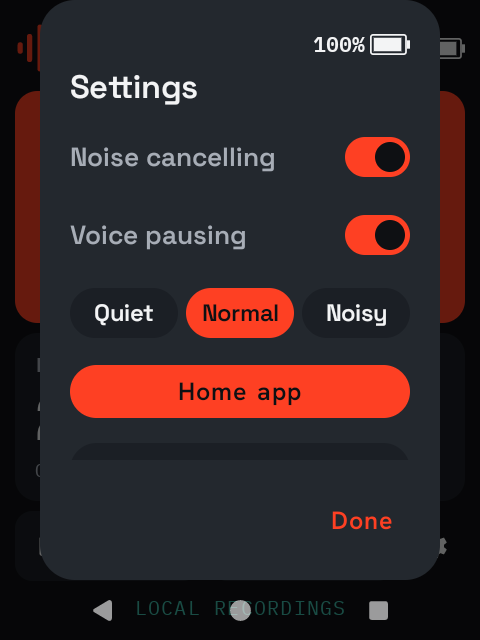
Gate capture on voice activity with Quiet / Normal / Noisy sensitivity. The screen reads LISTENING, silence is left out of the file rather than written as zeros, and speech resumes capture on its own.
Attach Android's noise suppressor to the capture session for rooms that hum, rattle and rumble. Opt-in, per your taste, in Recorder settings.
The R1's built-in microphone is always there and always ready. Plug a USB-C microphone into the device and R1CORD captures from whatever input Android is using — pair that with WAV and the R1 becomes a field recorder rather than a note-taker.
The display dims about thirty seconds into a take and keeps the session readable rather than going dark. The first touch brightens it and still does what you meant — capture never stops to ask.
// r1cord.timeline
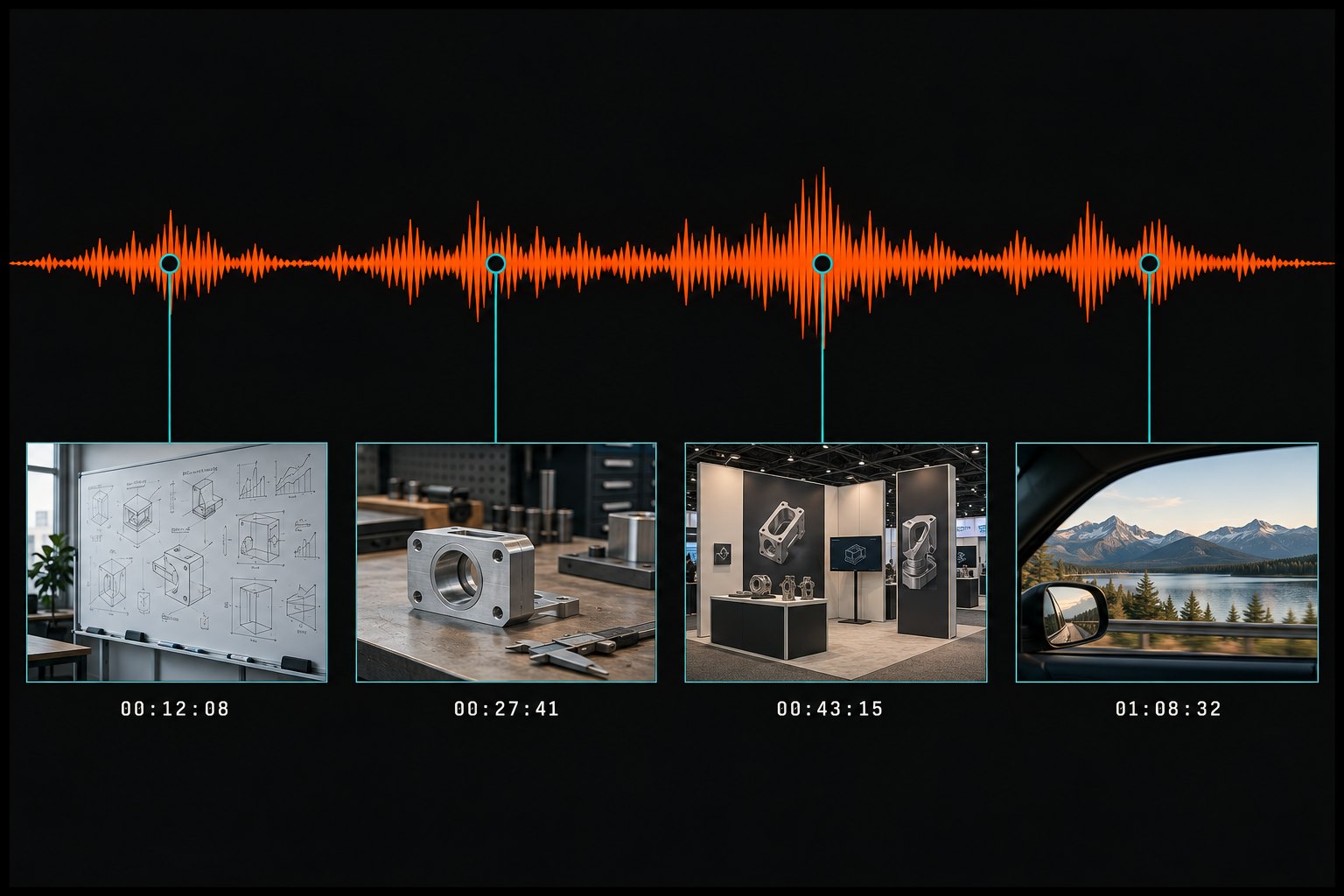
Photos tell you what you saw; R1CORD remembers why it mattered. Take pictures while the recorder keeps running, and every image is tied to the exact moment in the audio where you took it. Whiteboards, sketches, prototypes, booths, documents, places — the visual context stays welded to the words.
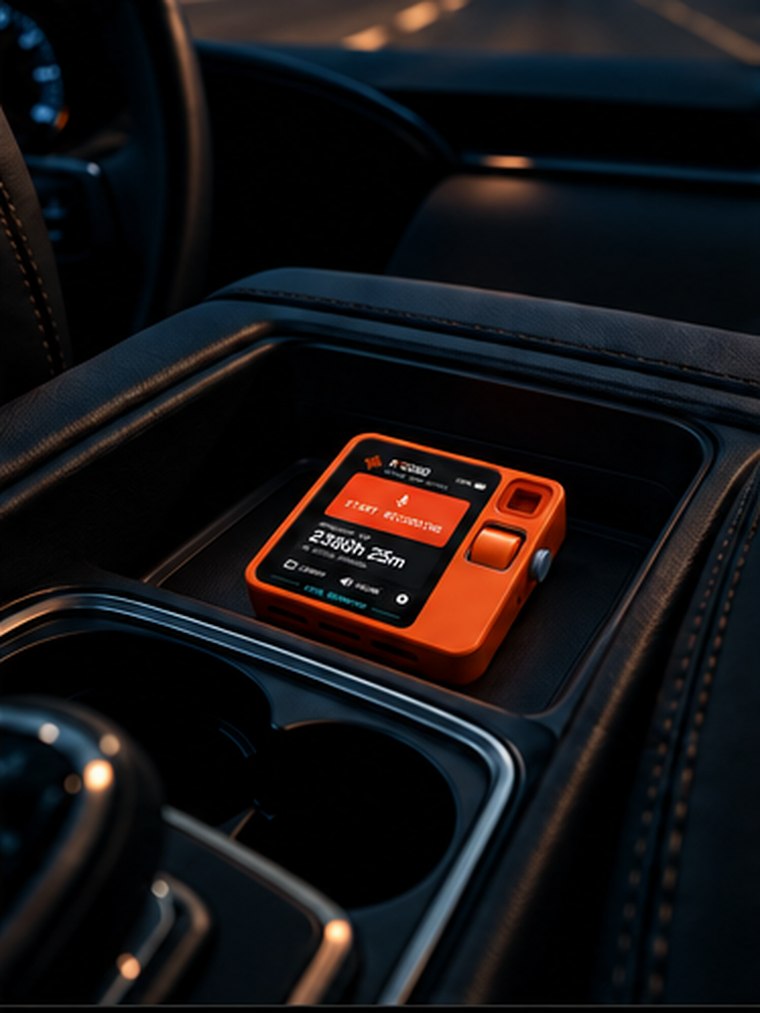
Use R1CORD wherever spoken context matters as much as the audio, notes or photos you bring home.
// capture the moment. keep the context.
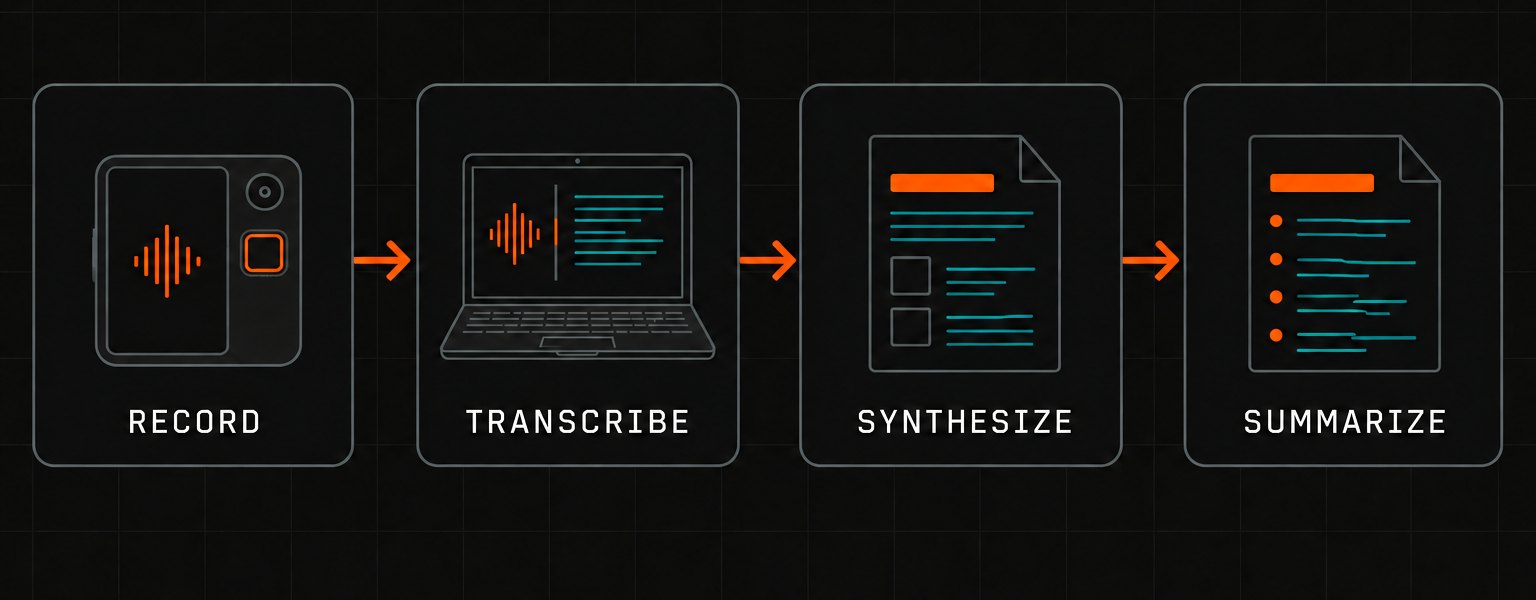
R1CORD does not need AI to record — that is the point. But when you are ready, the material is plain files on your own machine, and you decide what looks at them.
// record → transcribe → synthesize → summarize
// the transcript remembers what was said; the audio remembers how it was said
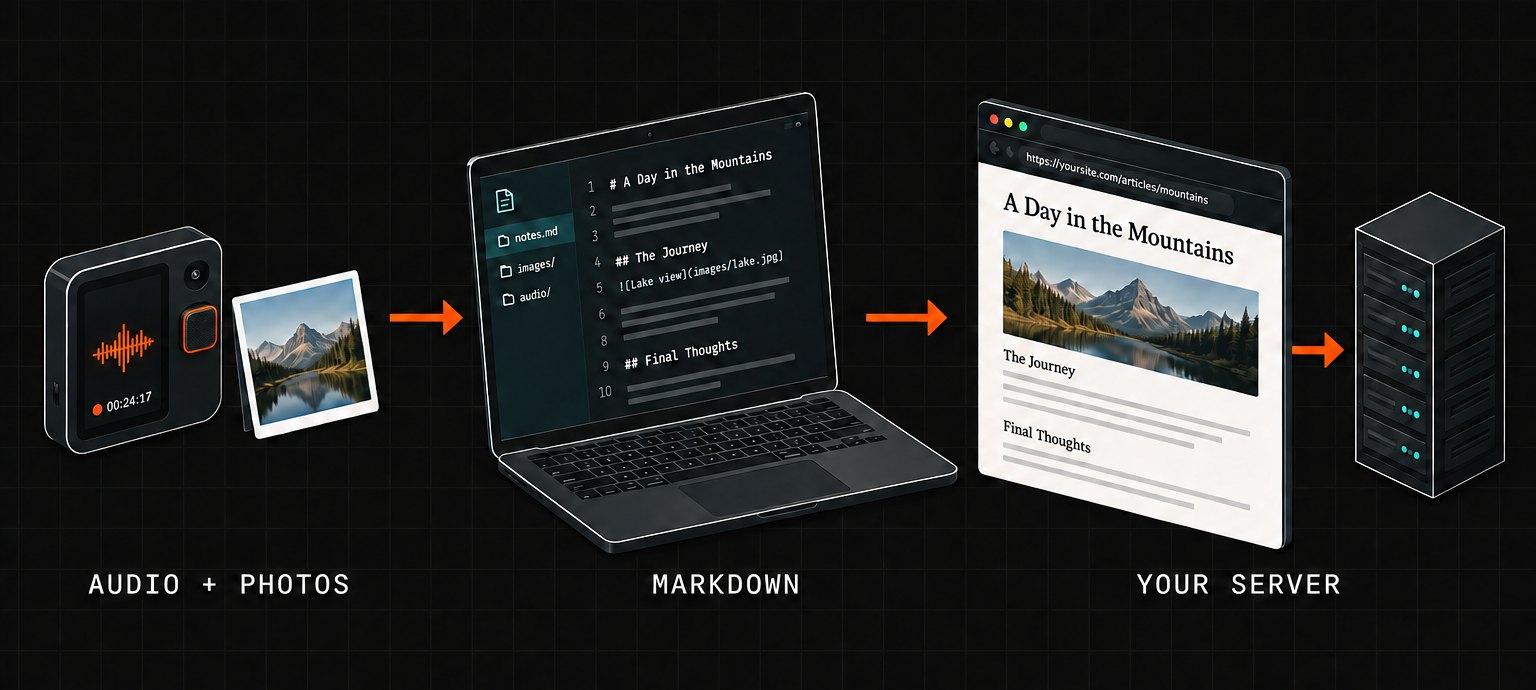
R1CORD does more than capture audio. Transcript, summary and the photos you took along the way can be handed to MD DOCS, rendered through a template, and published over WebDAV to a server you own — ending with a URL you can send to somebody.
// audio + photos → markdown → your server
// record it. synthesize it. publish it.
The category R1CORD sits in is full of apps whose first move is an upload. This is the other approach.
// no vendor named — compare it against whatever you are using now
Same Rabbit. Different OS. Entirely new job. R1CORD runs on Android, so where you start depends on what your R1 is running today.
You're almost there. Connect the Rabbit R1 to your Windows PC in developer mode and run the R1CORD installer.
R1CORD does not run directly on rabbitOS, but your Rabbit R1 can be converted to Android.
We have documented the full process, including the Windows-specific issues and R1-specific steps that took significant time to discover.
Before converting: Installing Android wipes the device, unlocks the bootloader, and permanently voids Rabbit's warranty. Read the guide before deciding.
Real captures from an R1 running R1CORD 0.3.0 — Space Grotesk and IBM Plex Mono at a type scale built for a 2.9-inch screen, with a live battery readout on every screen.
R1CORD gives the R1 a second life as a dedicated offline recorder: instant access, immediate playback, timestamped photos, 2,000+ hours of capacity, local-first privacy, and a path from a raw conversation to a finished, shareable page. Already running Android? You're almost there.
// r1cord — offline · private · open source
Free and open source, built for R1 owners, with install scripts for the app and the desktop server. View source on GitHub