PSD
IN AND OUT
A full Photoshop-class editor — legally, and it opens instantly. Peashell wraps the hosted Photopea editor in a real desktop app, then adds everything a browser tab can't do: native Open and Save, true save-in-place, file associations, and on-device AI.
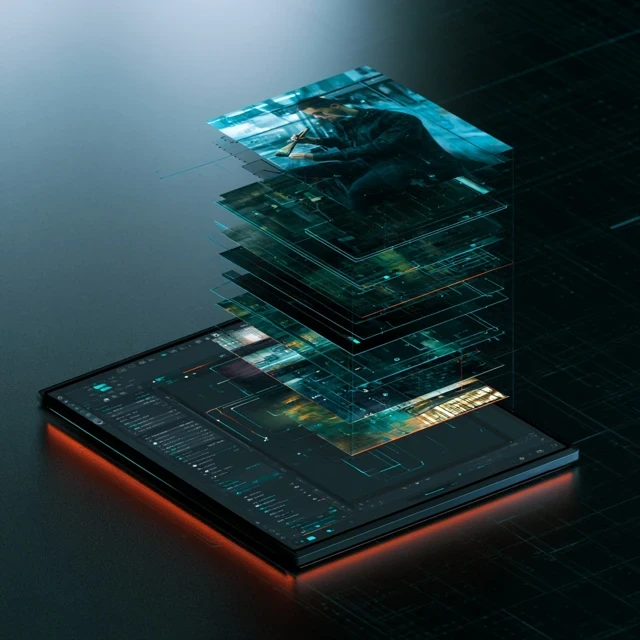 // peashell.canvas
The complete Photopea editor — layers, masks, filters, PSDs — running legally in its own desktop window. No heavyweight install, no splash screens, no license nag: it opens straight to the canvas.
Peashell hosts the real Photopea editor — every tool, panel, and menu, with full PSD support. The canvas is hosted, so it is always the current version; your files and all AI processing stay on your machine.
Launch straight into the canvas. Double-click a PNG in Explorer and it opens as a tab in the one running window — never a second instance — and your last 12 files are a right-click away.
Real Windows and macOS dialogs, and Ctrl+S saves to your file — not a copy in Downloads. Saves are atomic and format-correct, Save As offers a real format list, and JPG/WEBP exports get a quality slider.
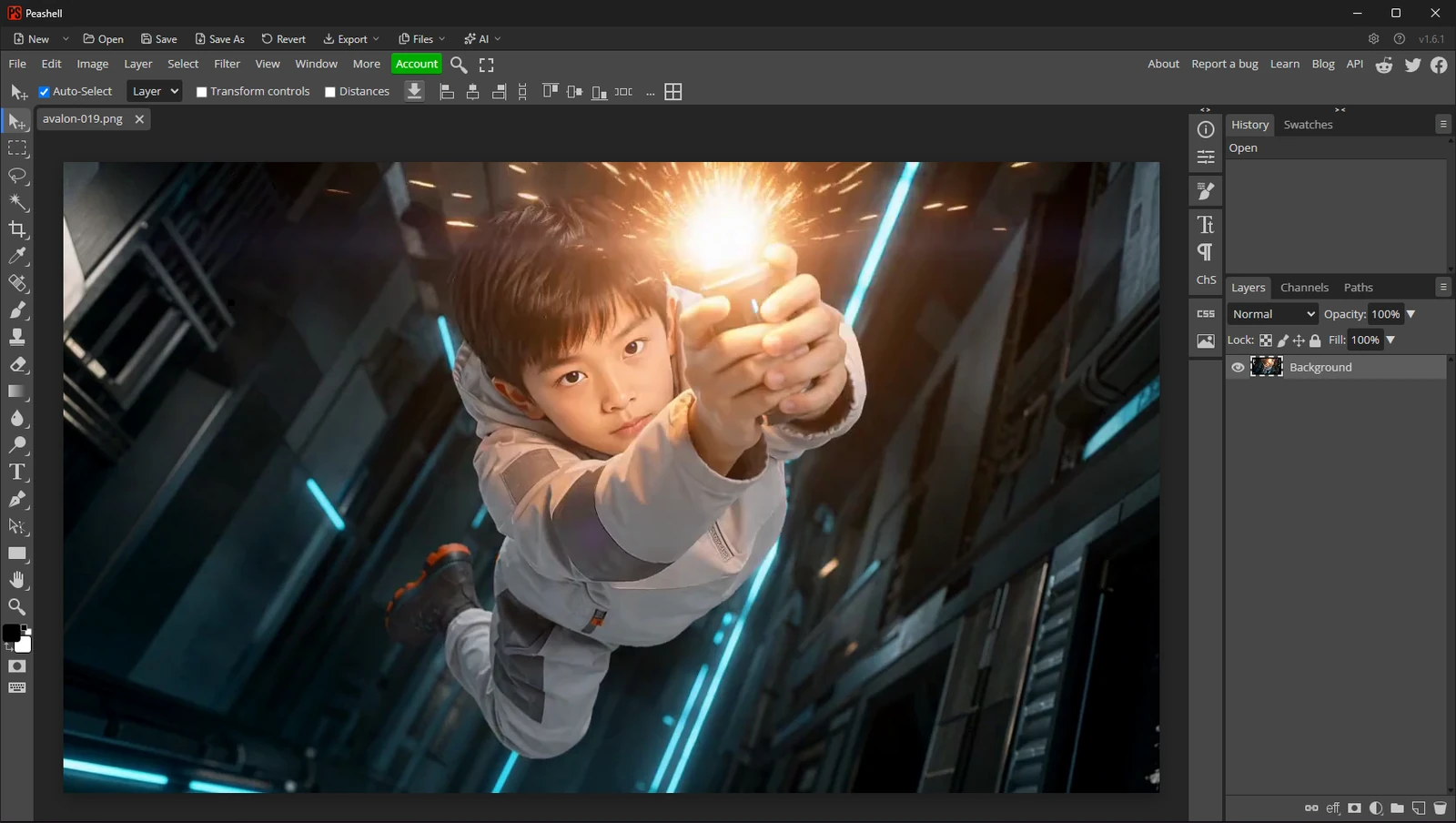 // peashell.files
The editor is the canvas; Peashell is the desktop app around it. The shell owns the file behavior you expect from a native application — on Windows and on signed macOS builds.
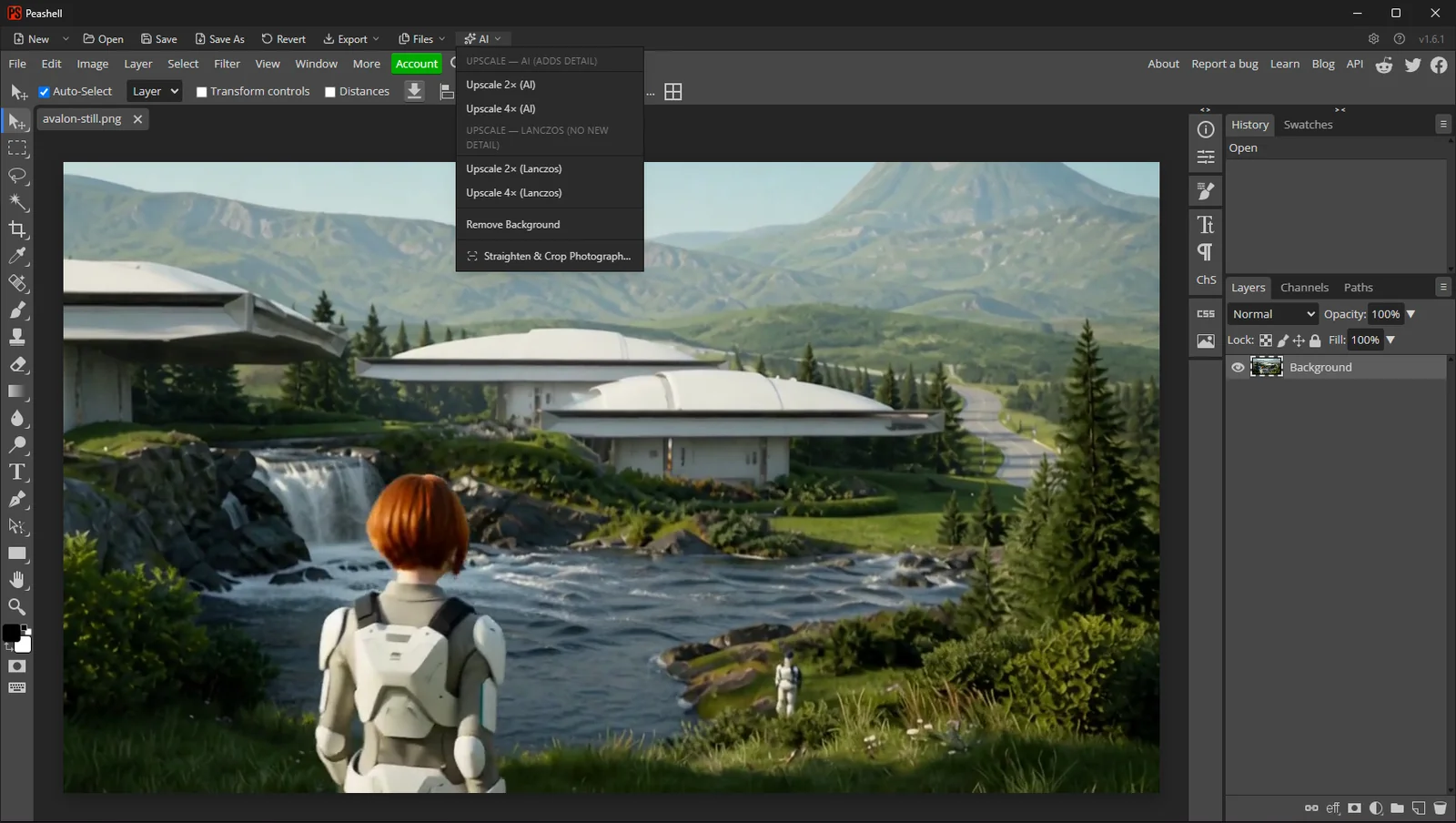 // peashell.ai
The AI menu processes pixels on your own hardware and opens each result as its own clearly named tab. Nothing is uploaded — and when your machine can't run a tool, it says so and points you to the fallback.
Peashell opens instantly into a full Photoshop-class canvas — legally — then saves your work back to disk like a real desktop app.