10
THEMES
A fast, modern Markdown editor for people who publish. Write or import Markdown, brand it with a swappable CSS theme, and export clean, self-contained web pages that won't break.
 // md-docs.preview
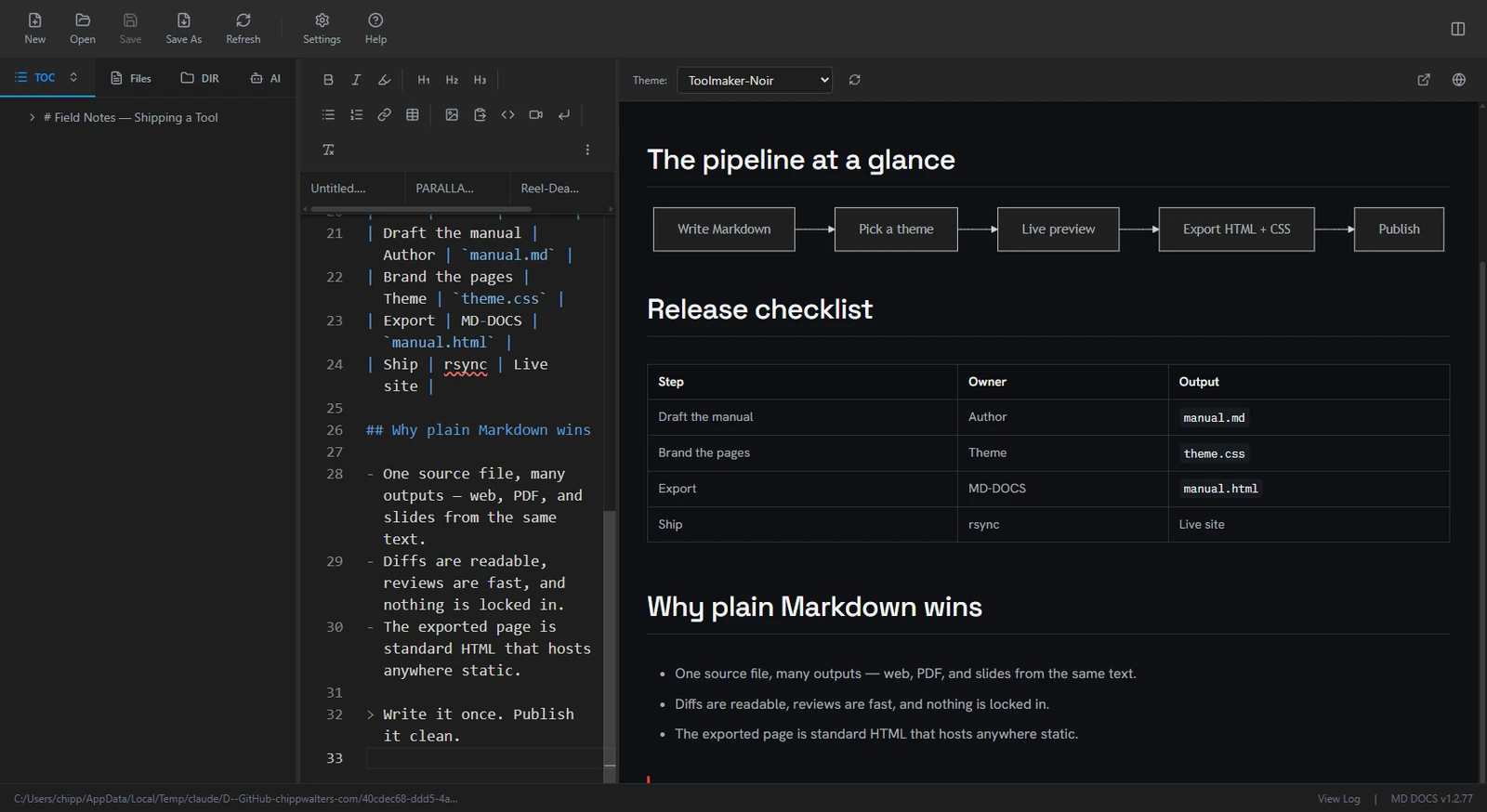
MD-DOCS pairs a VS Code editor with a synchronized, theme-aware preview, then exports standalone HTML and CSS. One tool from blank page to published page — you own the output and its styling.
VS Code's editor engine — syntax highlighting, find and replace, word wrap, and a synchronized live preview that scrolls in lock-step with your text.
Pick from 10 built-in CSS themes, then export a self-contained .html and .css. Standard markup that hosts anywhere static and won't break on the next platform update.
A localhost bridge exposing 33 tools, so Claude and other assistants can read, write, theme, and publish your documents programmatically.
 // md-docs.publish
Designed to bridge writing and publication. Import a messy Google Docs export, clean it up, brand it, and ship a branded web page — without juggling separate editors, image tools, and site builders.
 // md-docs.toolkit
Built for documentation that does real work. Mermaid diagrams, Marp slides, and the DocuMark annotation editor all render consistently in the live preview and the exported page.
Built for developers, technical writers, and makers who publish branded documentation straight from Markdown.